 Yarr


Yet another RSS reader: lightweight, single-binary self-hosted web-based feed aggregator.
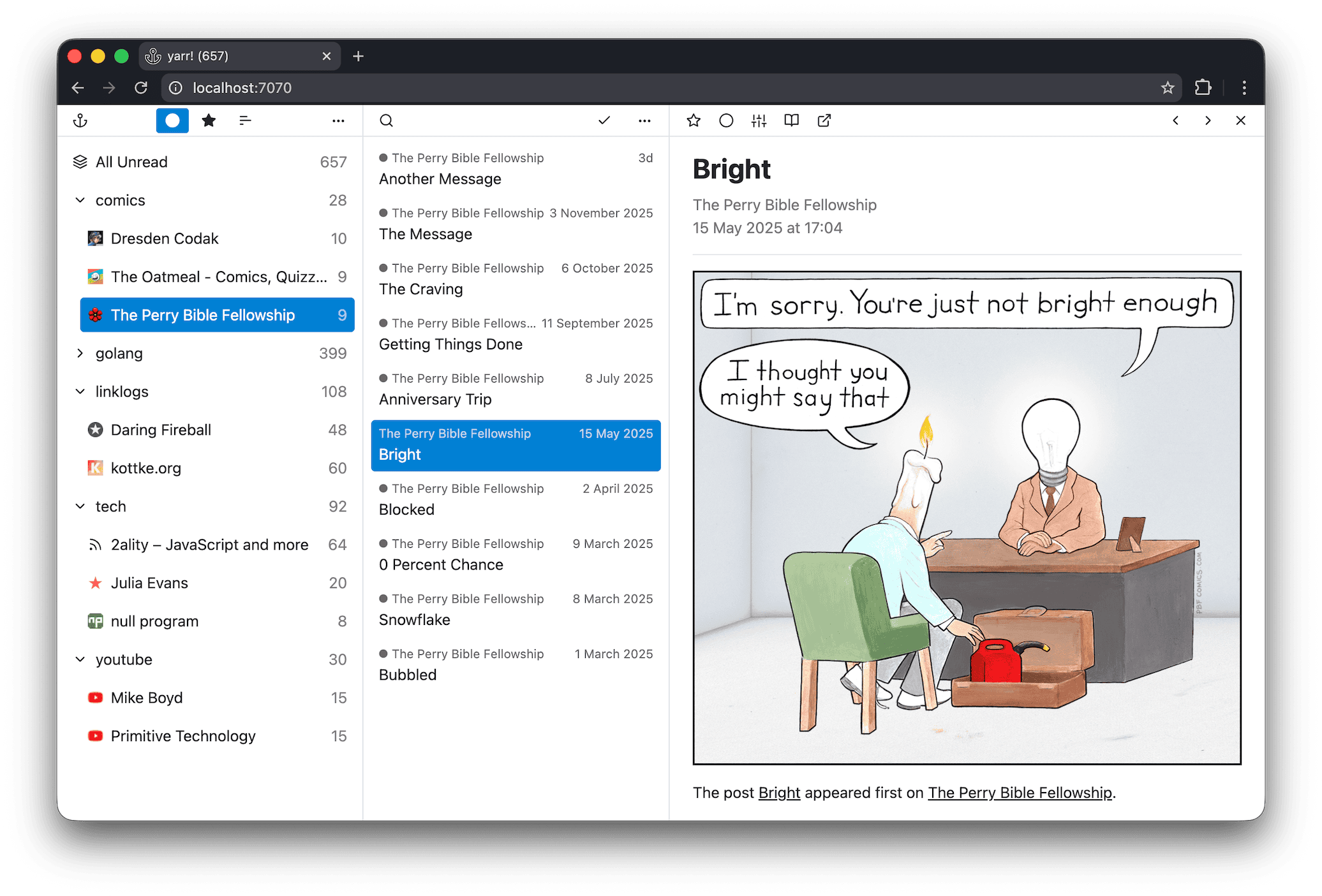
| Port | 7070 |
| Registry | ghcr.io/daemonless/yarr |
| Daemonless | daemonless/yarr |
| Source | nkanaev/yarr |
| Website | nkanaev.github.io/yarr |
First start and BSD feeds
On first start with a new SQLite database, Yarr automatically subscribes to
Planet BSD (https://bsdfeed.seuros.net/atom.xml). Set YARR_DEFAULT_FEED
to another feed URL or empty ("") to disable seeding. You can also import
the full Planet BSD source list from https://bsdfeed.seuros.net/opml.xml.
Migrating from Linux Docker (nkanaev/yarr)
Mount your existing yarr-data volume containing yarr.db to /config
(or keep mounting it at /data — /data is symlinked to /config and
direct /data mounts are auto-detected). Existing YARR_DB, YARR_AUTH,
YARR_AUTHFILE, YARR_BASE, and YARR_CLIENT_TIMEOUT variables and
command flags work identically.
PostgreSQL backend
To use PostgreSQL instead of SQLite, set YARR_DB to your PostgreSQL
connection string (for example
postgres://dbuser:dbpass@postgres:5432/dbname?sslmode=disable).
Prerequisites
Before deploying, ensure your host environment is ready. See the Quick Start Guide for host setup instructions, including the security model for host vs. container privileges.
Deployment
Customize Paths, UID & Ports
Install and manage Yarr on FreeBSD with fjord:
Or open the App Store in the fjord web UI and install Yarr from the wizard. New to fjord? See the Install Guide.
Save as compose.yaml, then run podman-compose up -d.
Warning
Exposing ports in AppJail means that your service can be reached from remote hosts. If that is not your intention, do not expose the ports and communicate with the service using the jail's IPv4 address or hostname assigned by the virtual network.
Save the files above, then run appjail-director up.
Experimental
Bastille's OCI support is experimental. It requires buildah and shares the host network stack (inherit). Mount volumes with --volume HOST JAIL; without it, image-declared volumes are stored under ${bastille_volumesdir}/${jail}.
Save as bastille-compose.yml, then run bastille up.
Open http://<server>:7070 from another machine (the server's own browser can't use a published port).
Parameters
Environment Variables
| Variable | Default | Description |
|---|---|---|
PUID |
1000 |
User ID for the application process |
PGID |
1000 |
Group ID for the application process |
TZ |
UTC |
Timezone for the container |
YARR_AUTH |
`` | Optional login credentials in username:password format |
YARR_AUTHFILE |
`` | Path to a file containing username:password (takes precedence over YARR_AUTH) |
YARR_DEFAULT_FEED |
`` | Feed URL seeded automatically on first start with a new SQLite database (default https://bsdfeed.seuros.net/atom.xml; set empty to disable) |
YARR_DB |
`` | SQLite database path (default /config/yarr.db) or PostgreSQL connection URL |
YARR_BASE |
`` | Optional URL path prefix when serving behind a subpath reverse proxy (for example /news) |
YARR_CLIENT_TIMEOUT |
`` | Overall HTTP timeout for feed fetches (for example 30s or 2m) |
Volumes
| Path | Description |
|---|---|
/config |
Persistent Yarr SQLite database (/config/yarr.db) |
Ports
| Port | Protocol | Description |
|---|---|---|
7070 |
TCP | Web UI and Fever API |
Version Tags
Multi-arch manifests — resolve automatically to the right image for your platform.
| Tag | Description | Best For |
|---|---|---|
latest |
Upstream Binary. Built from official release. | Most users — recommended. |
| Tag | Description | Best For |
|---|---|---|
latest-amd64 |
Upstream Binary. Built from official release. | Most users — recommended. |
| Tag | Description | Best For |
|---|---|---|
latest-aarch64 |
Upstream Binary. Built from official release. | Most users — recommended. |
Implementation Details
- Architectures: amd64, aarch64
- User:
bsd(UID/GID set via PUID/PGID). Defaults to1000:1000. - Base: Built on
ghcr.io/daemonless/base(FreeBSD 15.1).
Need help? Join our Discord community.