 code-server
| Description / name | Input element |
|---|---|
| Container Registry | |
| Container Configuration Root Path | |
| Timezone | |
| User ID | |
| Group ID | |
| code-server Host Port | |
| code-server /config Path |


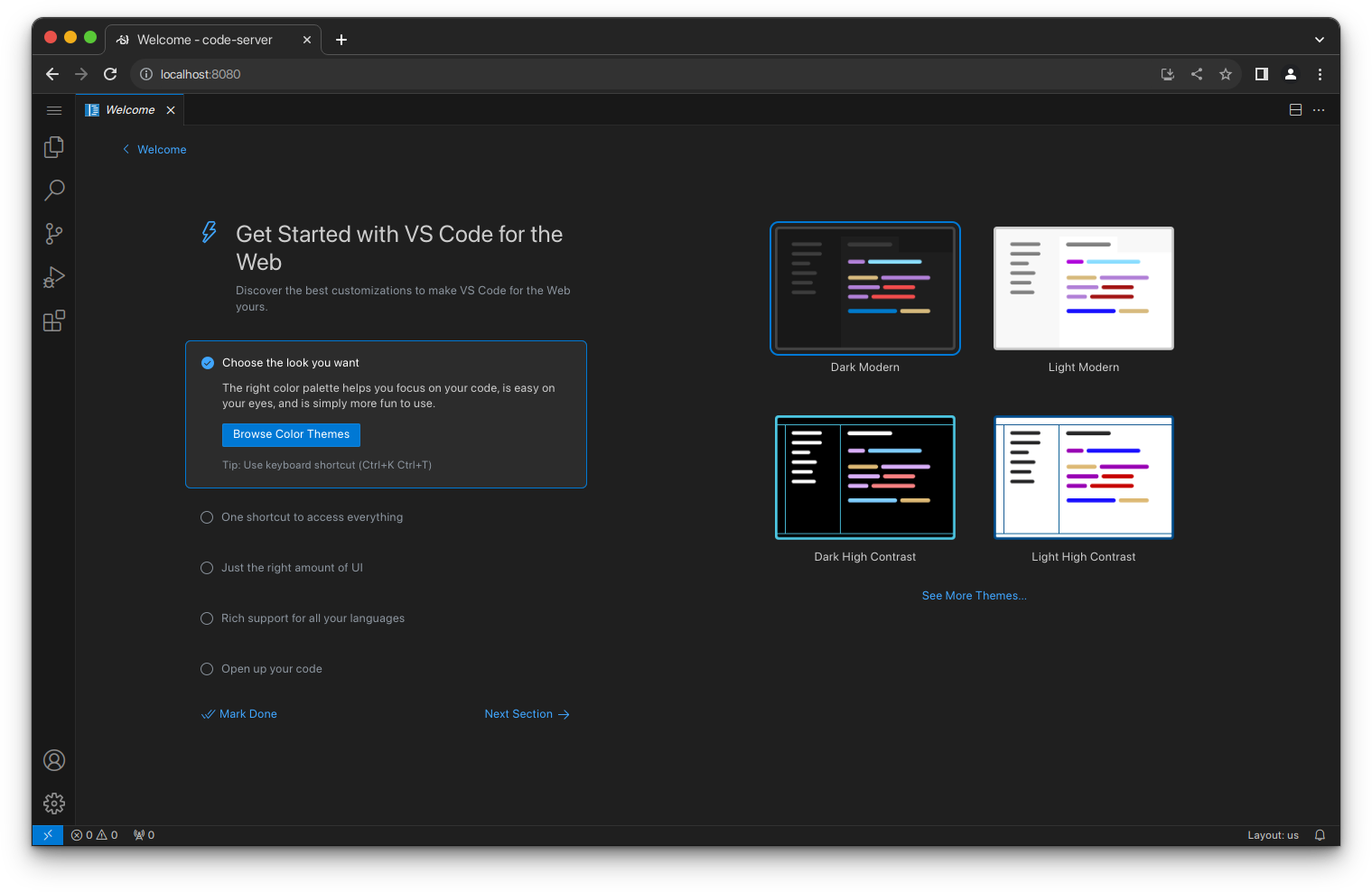
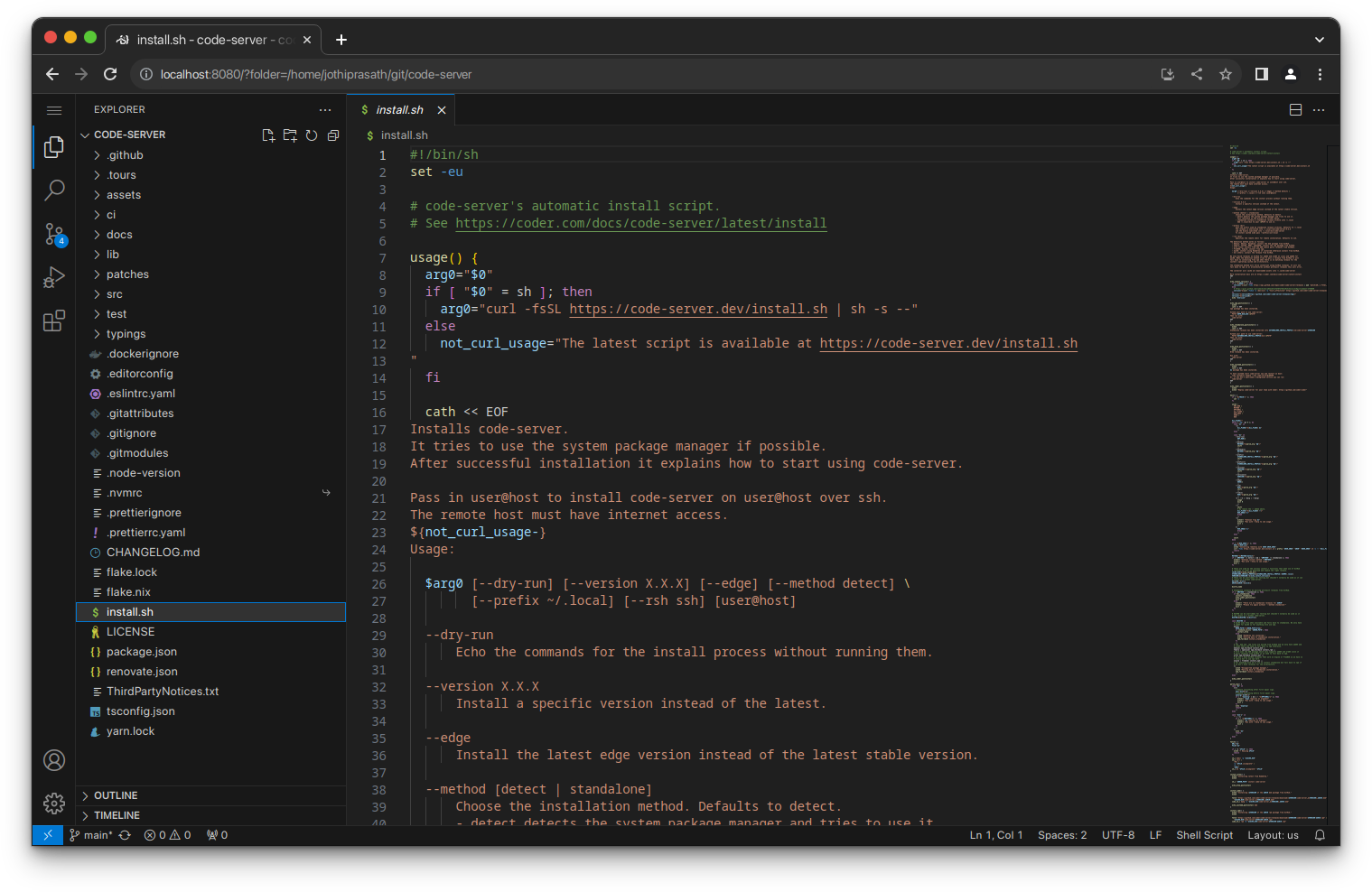
VS Code in the browser — run a full development environment on your FreeBSD server and access it from anywhere.
| Port | 8080 |
| Registry | ghcr.io/daemonless/code-server |
| Daemonless | daemonless/code-server |
| Source | coder/code-server |
| Website | coder.com/docs/code-server |
Version Tags
| Tag | Description | Best For |
|---|---|---|
latest |
Upstream Binary. Built from official release. | Most users — recommended. |
Before deploying, ensure your host environment is ready. See the Quick Start Guide for host setup instructions, including the security model for host vs. container privileges.
Deployment
Save as compose.yaml, then run podman-compose up -d.
Save as run.sh, then run sh run.sh.
Save as code-server-deploy.yaml, then run ansible-playbook code-server-deploy.yaml.
Warning
Exposing ports in AppJail means that your service can be reached from remote hosts. If that is not your intention, do not expose the ports and communicate with the service using the jail's IPv4 address or hostname assigned by the virtual network.
Save the files above, then run appjail-director up.
Save the files above, then run sh run.sh.
Experimental
Bastille's OCI support is experimental. It requires buildah and shares the host network stack (inherit). Mount volumes with --volume HOST JAIL; without it, image-declared volumes are stored under ${bastille_volumesdir}/${jail}.
Save as bastille-compose.yml, then run bastille up.
Access at: http://localhost:8080
Interactive Configuration
Parameters
Environment Variables
| Variable | Default | Description |
|---|---|---|
PUID |
1000 |
User ID for the application process |
PGID |
1000 |
Group ID for the application process |
TZ |
UTC |
Timezone for the container |
PASSWORD |
<PASSWORD> |
Password for web UI (leave unset to disable auth) |
DEFAULT_WORKSPACE |
`` | Default folder opened in the editor (default: /config/workspace) |
DISABLE_MDO |
`` | Do not use FreeBSD's mac_do facility to allow executing commands as root from the terminal (optional) |
Volumes
| Path | Description |
|---|---|
/config |
Configuration directory |
Ports
| Port | Protocol | Description |
|---|---|---|
8080 |
TCP | Web UI |
Work in Progress
This image is functional but may change significantly in a future release.
Common dev tools (gcc, clang, llvm, python, gmake, git, ssh) are baked into the image for now.
Running commands as root in Terminal
doas works out of the box -- it is setuid and configured with
permit nopass keepenv bsd:
sudo is a shim that execs doas, so it works too. -E and -H are accepted
and ignored (doas.conf already uses keepenv); other flags pass through.
su works as well: the image ships FreeBSD-pam, without which it fails with
su: pam_start: System error.
Requires Podman 5.8.4 or newer
Older Podman dropped the setuid bit while unpacking images on FreeBSD, so
doas, sudo and su all failed in the container. Fixed by
container-libs#935.
On older Podman, use mdo below.
As an alternative that does not depend on the setuid bit, FreeBSD's MAC framework
provides the mdo command.
The mac_do kernel module has to be loaded on the host which runs Podman before the container is started.
You can load the module at runtime by running
rc.conf with
If the mac_do module is loaded when the container starts, it will automatically install a rule that allows the bsd user to execute commands as root by running mdo <command>.
To disable the installation of the mac_do rule that allows the privilege elevation, you can set the DISABLE_MDO environment variable to true or yes:
Installing Packages
In the terminal:
mac_do module is loaded on the host:
You can also install packages from the host using podman exec:
Packages are not persistent
If you recreate the container, you will need to reinstall any packages you have added.
Implementation Details
- Architectures: amd64
- User:
bsd(UID/GID set via PUID/PGID). Defaults to1000:1000. - Base: Built on
ghcr.io/daemonless/base(FreeBSD 15.1).
Need help? Join our Discord community.