ERPNext
| Description / name | Input element |
|---|---|
| Container Configuration Root Path | |
| Timezone | |
| User ID | |
| Group ID | |
| ERPNext /app/frappe-bench/sites Path |


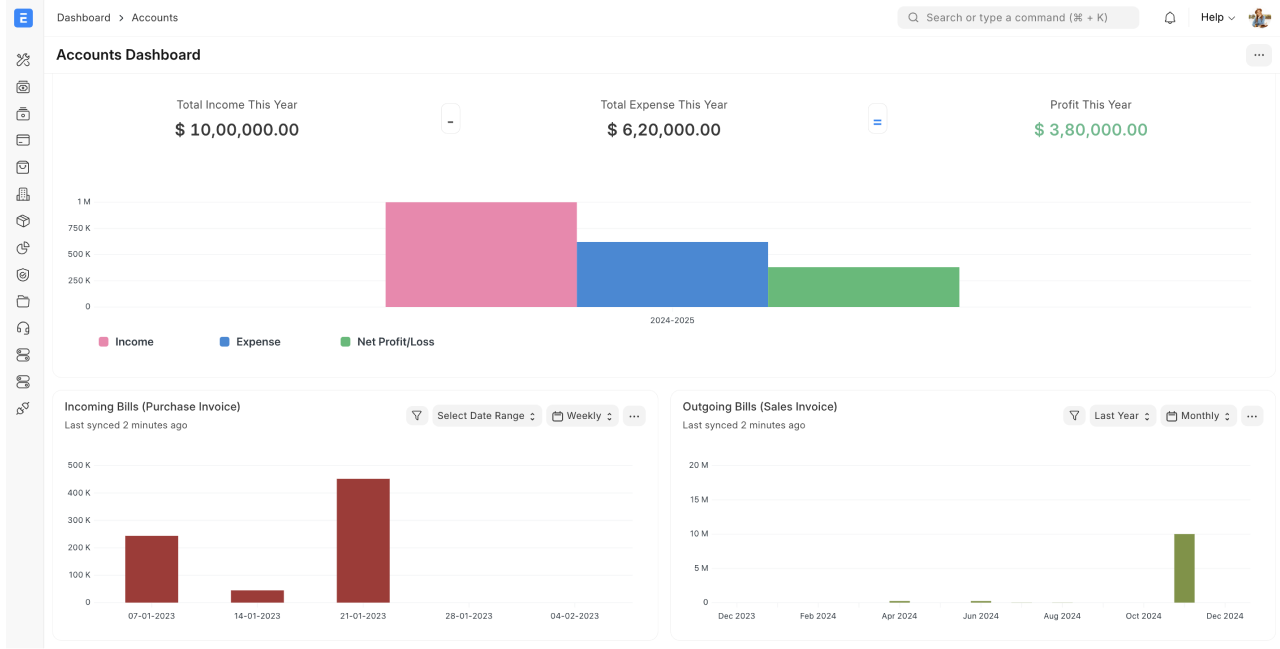
Open source ERP: accounting, inventory, manufacturing, CRM, HR and projects, built on the Frappe framework.
| Registry | ghcr.io/daemonless/erpnext |
| Source | https://github.com/frappe/erpnext |
| Website | https://erpnext.com/ |
Version Tags
| Tag | Description | Best For |
|---|---|---|
latest / 15 |
Built from source. Frappe and ERPNext version-15. |
Most users. |
Prerequisites
Before deploying, ensure your host environment is ready. See the Quick Start Guide for host setup instructions.
ERPNext needs MariaDB and Redis; it will not start without them. Both are in the stack below.
Deploy
1. Save as .env:
2. Save as compose.yaml:
3. Deploy:
Warning
Exposing ports in AppJail means that your service can be reached from remote hosts. If that is not your intention, do not expose the ports and communicate with the service using the jail's IPv4 address or hostname assigned by the virtual network.
.env:
appjail-director.yml:
Makejail:
Save the files above, then run appjail-director up.
Access ERPNext at http://your-host:8080 and log in as
Administrator with the ADMIN_PASSWORD you set.
Interactive Configuration
First run
Creating the site takes several minutes — ERPNext installs its full schema and then works through a large batch of background jobs. The web UI answers before that finishes; if you land on "Setting up your system", let it run and reload.
ADMIN_PASSWORD and DB_ROOT_PASSWORD are read only when the site is
created. Every later start runs bench migrate against the existing site
instead, so changing them afterwards has no effect — change the Administrator
password from the UI.
MYSQL_ROOT_PASSWORD and DB_ROOT_PASSWORD must match: ERPNext uses the latter
to create its database and user on first run.
Environment Variables
| Variable | Description |
|---|---|
SITE_NAME |
Frappe site to create and serve. Any hostname reaches it, so it need not resolve in DNS. |
ADMIN_PASSWORD |
Password for the Administrator account. First run only. |
DB_ROOT_PASSWORD |
MariaDB root password, used once to create the site's database and user. First run only. |
DB_HOST / DB_PORT |
MariaDB address (127.0.0.1:3306 with host networking) |
REDIS_CACHE |
Redis URL for the cache |
REDIS_QUEUE |
Redis URL for the job queue and realtime |
GUNICORN_WORKERS |
Web worker processes (default 2) |
GUNICORN_THREADS |
Threads per web worker (default 4) |
GUNICORN_TIMEOUT |
Seconds before a request is killed (default 120); raise for long reports |
DEP_WAIT_TIMEOUT |
Seconds to wait for MariaDB and Redis before giving up (default 180) |
FreeBSD Notes
Hostnames
Frappe picks the site from the X-Frappe-Site-Name header rather than the URL,
and this image sends SITE_NAME on every request. Any address that reaches the
container works — http://server.lan:8080, an IP, or a reverse proxy
— without SITE_NAME resolving in DNS.
MariaDB version
Use MariaDB 11.4 — the version this image is tested against. Frappe v15 prints a warning for any server above 10.8, but it is only a warning, and it covers every MariaDB the registry ships (10.11 included).
Frappe creates its own database as utf8mb4, so the server's default character
set does not matter. PostgreSQL is not supported — ERPNext itself only targets
MariaDB.
DuckDB sync unavailable
The DuckDB sync doctype does not work. Frappe pins pyarrow~=25.0.0, whose
bindings will not compile against the Arrow C++ 24 that FreeBSD ports carries.
Everything else — accounting, stock, manufacturing, CRM, HR, projects and print
formats — is unaffected.
Network mode
The stack uses network_mode: host, so all three services talk over
127.0.0.1. Only port 8080 needs to be reachable externally.