 Jellyfin
| Description / name | Input element |
|---|---|
| Container Registry | |
| Container Configuration Root Path | |
| Global /movies Path | |
| Global /tv Path | |
| Timezone | |
| User ID | |
| Group ID | |
| Jellyfin Host Port | |
| Jellyfin /config Path | |
| Jellyfin /cache Path |



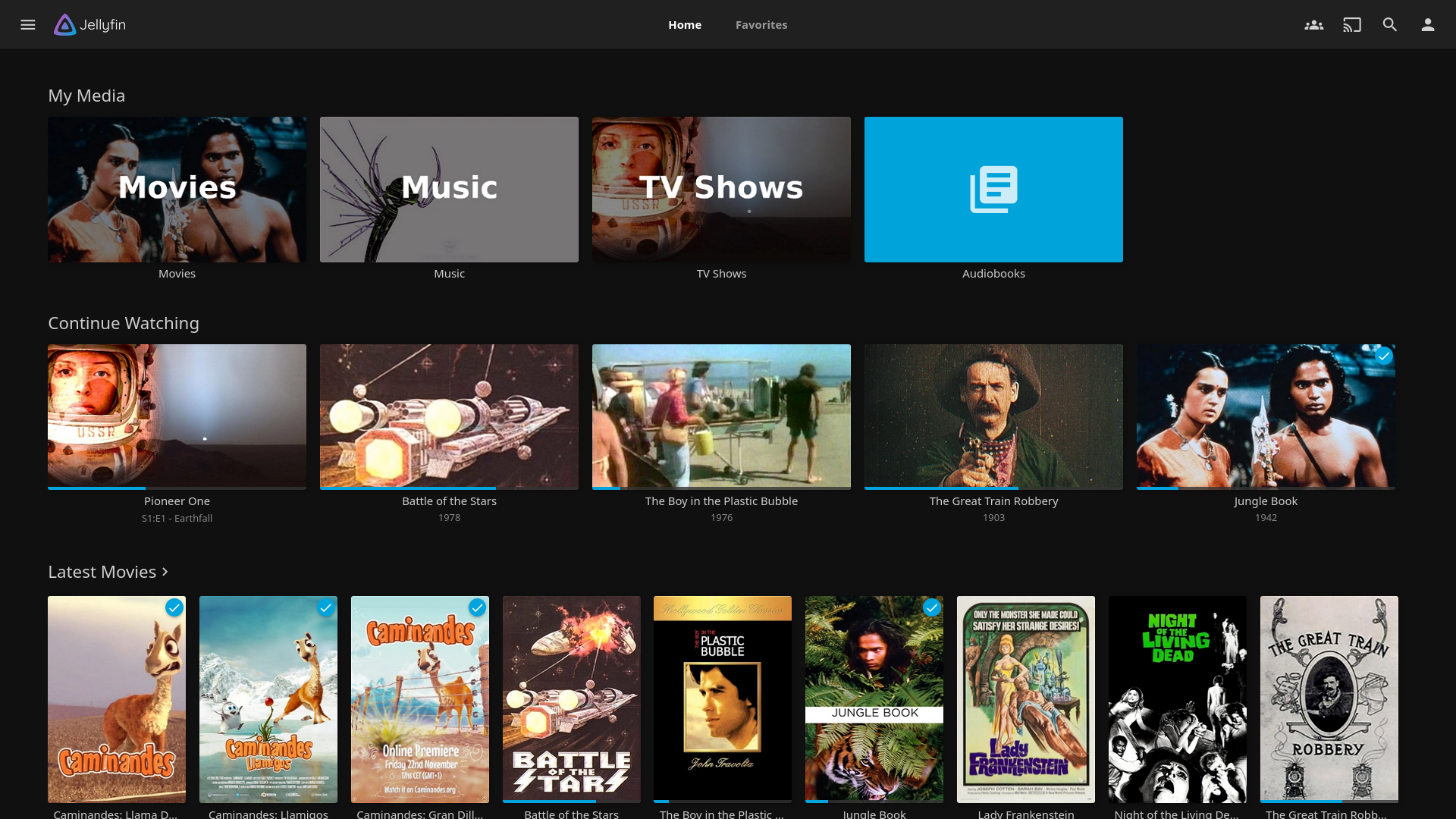
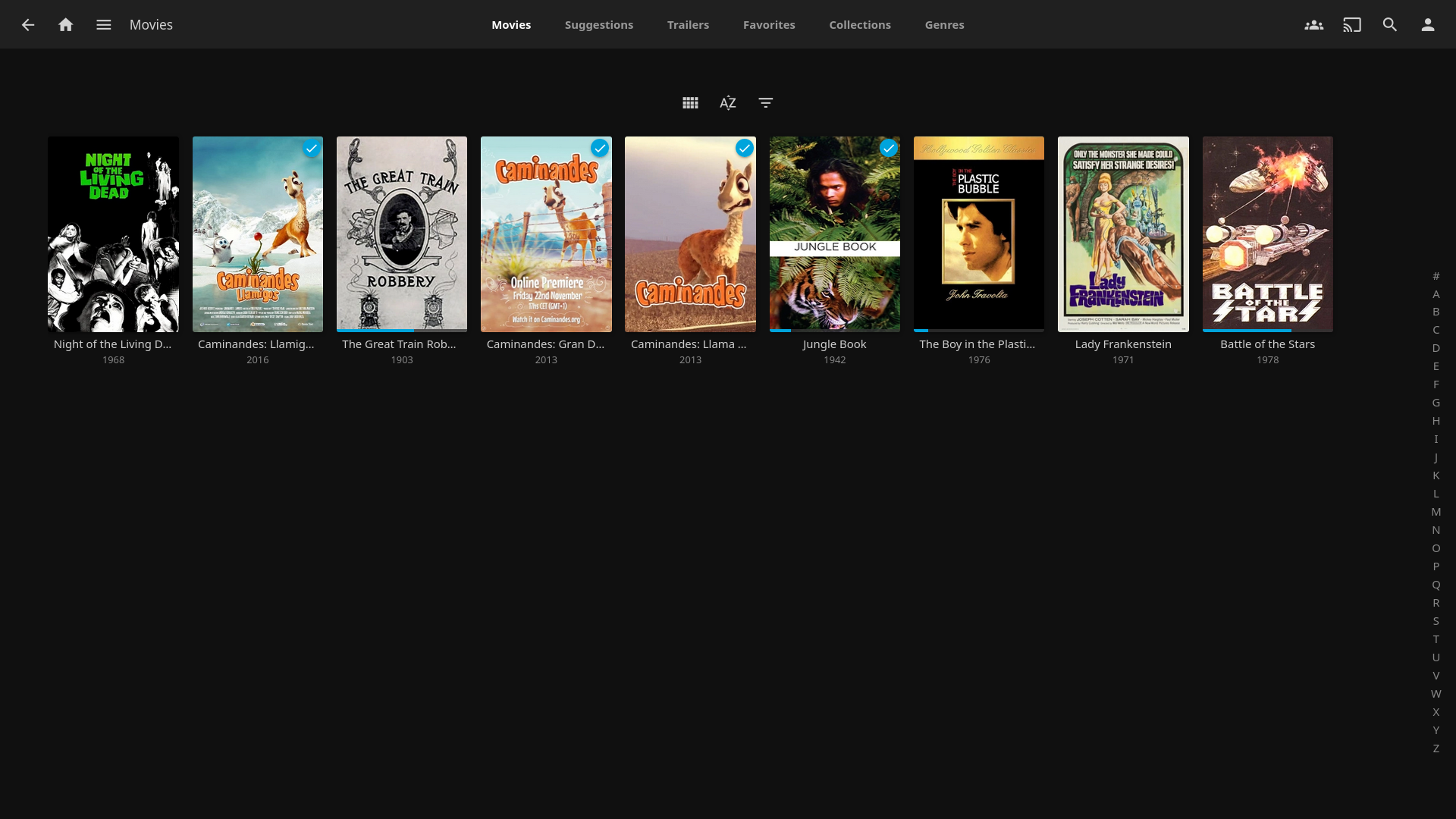
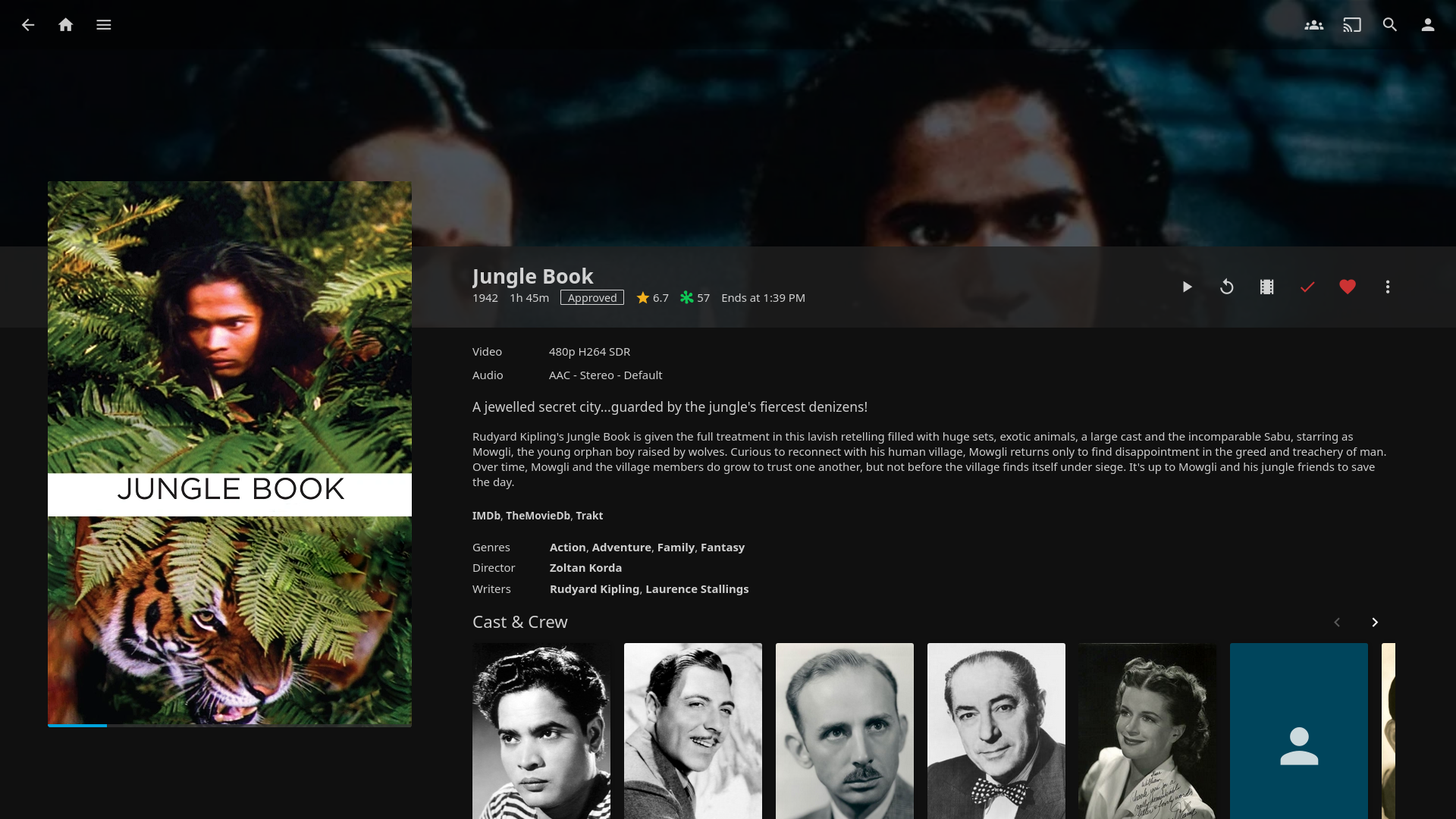
Volunteer-built media solution that puts you in control — stream to any device from your own server, with no strings attached.
| Port | 8096 |
| Registry | ghcr.io/daemonless/jellyfin |
| Daemonless | daemonless/jellyfin |
| Source | jellyfin/jellyfin |
| Website | jellyfin.org |
Version Tags
Multi-arch manifests — resolve automatically to the right image for your platform.
| Tag | Description | Best For |
|---|---|---|
latest |
FreeBSD Latest. Jellyfin plus the jellyfin-ffmpeg7 package (not in quarterly). | Most users — recommended. |
pkg |
FreeBSD Quarterly. Uses stable, tested packages. | Production stability. |
pkg-latest |
FreeBSD Latest. Rolling package updates. | Staying current. |
| Tag | Description | Best For |
|---|---|---|
latest-amd64 |
FreeBSD Latest. Jellyfin plus the jellyfin-ffmpeg7 package (not in quarterly). | Most users — recommended. |
pkg-amd64 |
FreeBSD Quarterly. Uses stable, tested packages. | Production stability. |
pkg-latest-amd64 |
FreeBSD Latest. Rolling package updates. | Staying current. |
| Tag | Description | Best For |
|---|---|---|
latest-aarch64 |
FreeBSD Latest. Jellyfin plus the jellyfin-ffmpeg7 package (not in quarterly). | Most users — recommended. |
pkg-aarch64 |
FreeBSD Quarterly. Uses stable, tested packages. | Production stability. |
pkg-latest-aarch64 |
FreeBSD Latest. Rolling package updates. | Staying current. |
Before deploying, ensure your host environment is ready. See the Quick Start Guide for host setup instructions, including the security model for host vs. container privileges.
Deployment
Save as compose.yaml, then run podman-compose up -d.
Save as run.sh, then run sh run.sh.
Save as jellyfin-deploy.yaml, then run ansible-playbook jellyfin-deploy.yaml.
Warning
Exposing ports in AppJail means that your service can be reached from remote hosts. If that is not your intention, do not expose the ports and communicate with the service using the jail's IPv4 address or hostname assigned by the virtual network.
Save the files above, then run appjail-director up.
template.conf:
Save the files above, then run sh run.sh.
Experimental
Bastille's OCI support is experimental. It requires buildah and shares the host network stack (inherit). Mount volumes with --volume HOST JAIL; without it, image-declared volumes are stored under ${bastille_volumesdir}/${jail}.
Save as bastille-compose.yml, then run bastille up.
Access at: http://localhost:8096
Interactive Configuration
Parameters
Environment Variables
| Variable | Default | Description |
|---|---|---|
PUID |
1000 |
User ID for the application process |
PGID |
1000 |
Group ID for the application process |
TZ |
UTC |
Timezone for the container |
FFMPEG_PATH |
/usr/local/bin/jellyfin-ffmpeg |
Path to the FFmpeg binary. Options: /usr/local/bin/jellyfin-ffmpeg (default) or /usr/local/bin/ffmpeg |
Volumes
| Path | Description |
|---|---|
/config |
Configuration directory |
/cache |
Cache directory (Optional) |
/tv |
TV Series library (Optional) |
/movies |
Movie library (Optional) |
Ports
| Port | Protocol | Description |
|---|---|---|
8096 |
TCP | Web UI |
FFmpeg vs. Jellyfin-FFmpeg
This image includes both standard ffmpeg and jellyfin-ffmpeg. By default,
it uses jellyfin-ffmpeg (via the FFMPEG_PATH environment variable).
Why use jellyfin-ffmpeg?
While raw encoding performance is similar, jellyfin-ffmpeg includes critical
patches for HDR to SDR tone mapping (specifically the tonemapx filter).
Stock FFmpeg lacks a proper BT.2390 implementation, which results in "washed
out" or blown-out colors when serving HDR10 content to SDR displays.
Port Status
Note that jellyfin-ffmpeg is not currently in the official FreeBSD ports
tree, but it is provided in this image to ensure a high-quality transcoding
experience identical to the official Jellyfin Linux distributions.
Hardware Acceleration (VAAPI)
Intel iGPU hardware transcoding is supported via VAAPI. The image includes
libva, libva-intel-media-driver, and gmmlib.
Host setup required — the GPU must be enabled and a devfs ruleset must expose the DRI devices into the jail:
-
Install the DRM kernel module and firmware:
-
Add a devfs ruleset to
/etc/devfs.rules: -
Configure the jail to use ruleset
61182and enableallow.mlock(already set in the example compose above). -
In Jellyfin: Dashboard → Playback → Transcoding → set Hardware acceleration to VAAPI, device
/dev/dri/renderD128.
Implementation Details
- Architectures: amd64, aarch64
- User:
bsd(UID/GID set via PUID/PGID). Defaults to1000:1000. - Base: Built on
ghcr.io/daemonless/base(FreeBSD 15.1). - mlock: Requires
--annotation 'org.freebsd.jail.allow.mlock=true'(ocijail 0.5.0+)
Need help? Join our Discord community.