 Mealie
| Description / name | Input element |
|---|---|
| Container Registry | |
| Container Configuration Root Path | |
| Timezone | |
| User ID | |
| Group ID | |
| Mealie Host Port | |
| Mealie /config Path |


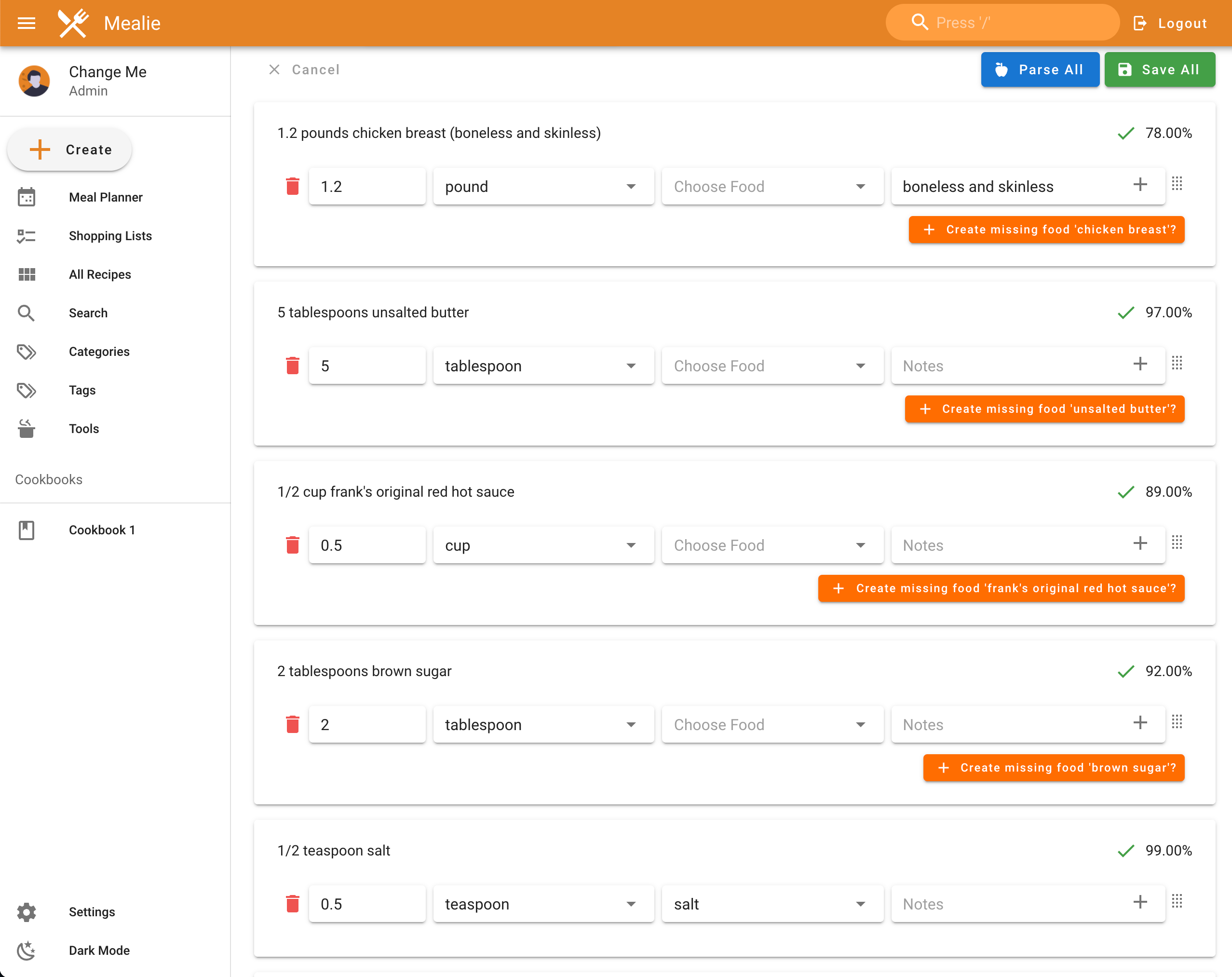
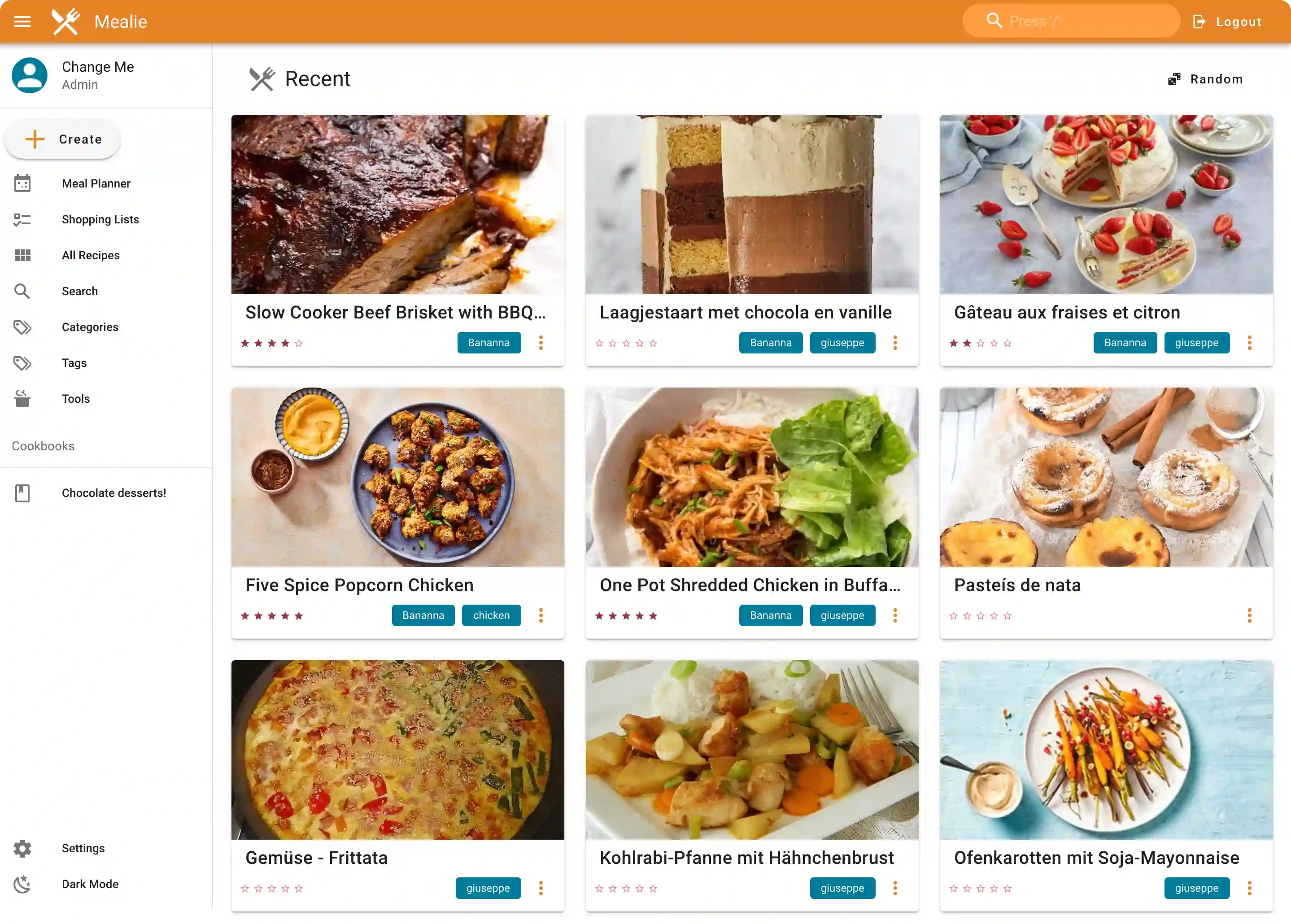
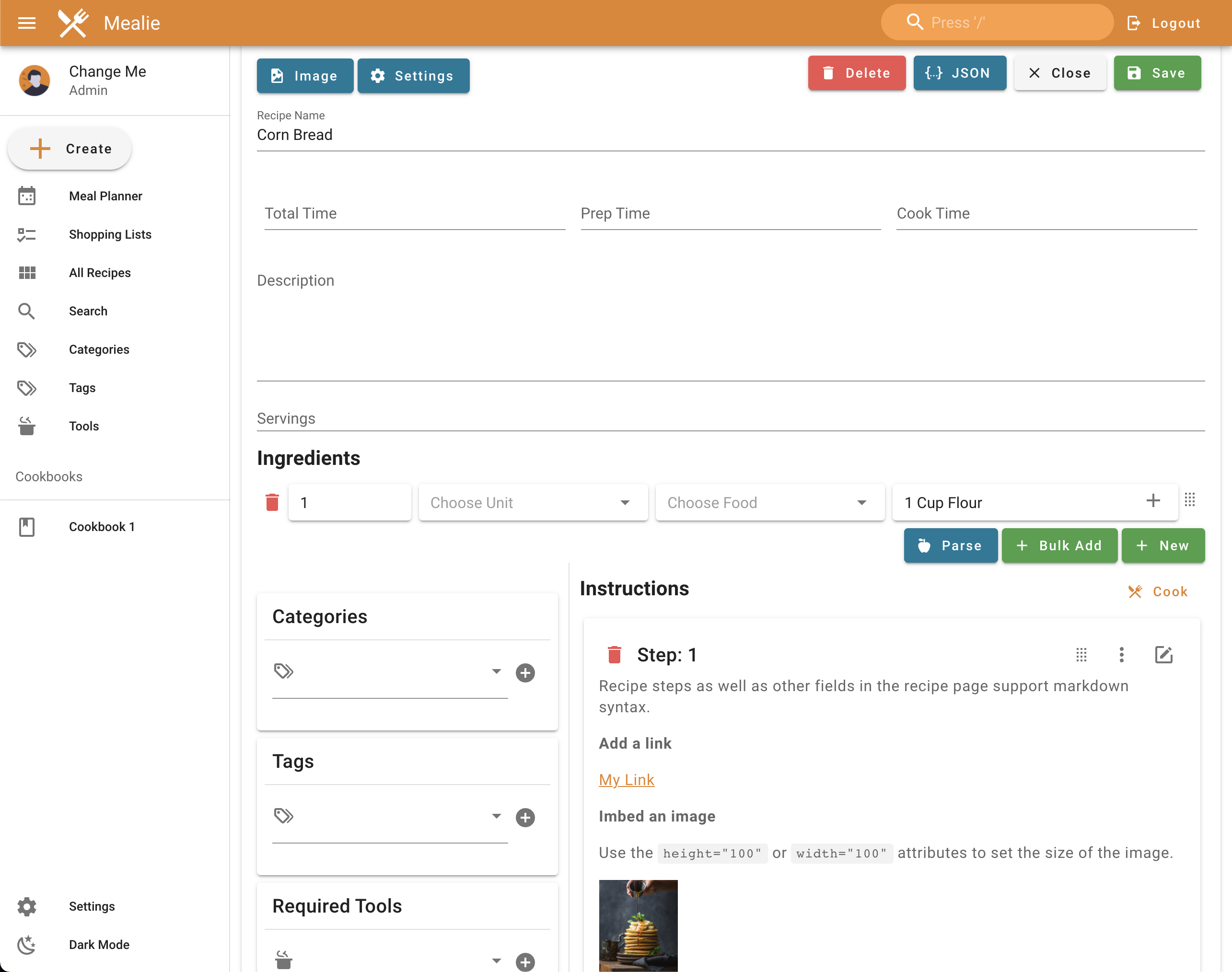
Intuitive self-hosted recipe management app designed to be the best recipe management experience on the web.
| Port | 9000 |
| Registry | ghcr.io/daemonless/mealie |
| Daemonless | daemonless/mealie |
| Source | mealie-recipes/mealie |
| Website | mealie.io |
Version Tags
| Tag | Description | Best For |
|---|---|---|
latest |
Upstream Binary. Built from official release. | Most users — recommended. |
Before deploying, ensure your host environment is ready. See the Quick Start Guide for host setup instructions, including the security model for host vs. container privileges.
Deployment
Save as compose.yaml, then run podman-compose up -d.
Save as run.sh, then run sh run.sh.
Save as mealie-deploy.yaml, then run ansible-playbook mealie-deploy.yaml.
Warning
Exposing ports in AppJail means that your service can be reached from remote hosts. If that is not your intention, do not expose the ports and communicate with the service using the jail's IPv4 address or hostname assigned by the virtual network.
Save the files above, then run appjail-director up.
Save the files above, then run sh run.sh.
Experimental
Bastille's OCI support is experimental. It requires buildah and shares the host network stack (inherit). Mount volumes with --volume HOST JAIL; without it, image-declared volumes are stored under ${bastille_volumesdir}/${jail}.
Save as bastille-compose.yml, then run bastille up.
Access at: http://localhost:9000
Interactive Configuration
Parameters
Environment Variables
| Variable | Default | Description |
|---|---|---|
BASE_URL |
http://localhost:9000 |
The base URL for the application (e.g. https://mealie.example.com) |
PUID |
1000 |
User ID for the application process |
PGID |
1000 |
Group ID for the application process |
TZ |
UTC |
Timezone for the container |
Volumes
| Path | Description |
|---|---|
/config |
Data directory (database, images) |
Ports
| Port | Protocol | Description |
|---|---|---|
9000 |
TCP | Web UI |
Using PostgreSQL
By default, Mealie uses SQLite. For better performance with multiple users, use PostgreSQL:
Note: With network_mode: host, use localhost for POSTGRES_SERVER.
Migrating from Linux
SQLite: No issues, just copy your data.
PostgreSQL: You cannot copy the postgres data directory between Linux and FreeBSD due to locale incompatibilities. Use pg_dump/pg_restore instead:
See daemonless/postgres README for details.
Implementation Details
- Architectures: amd64
- User:
bsd(UID/GID set via PUID/PGID). Defaults to1000:1000. - Base: Built on
ghcr.io/daemonless/base(FreeBSD 15.1).
Need help? Join our Discord community.