 Beszel


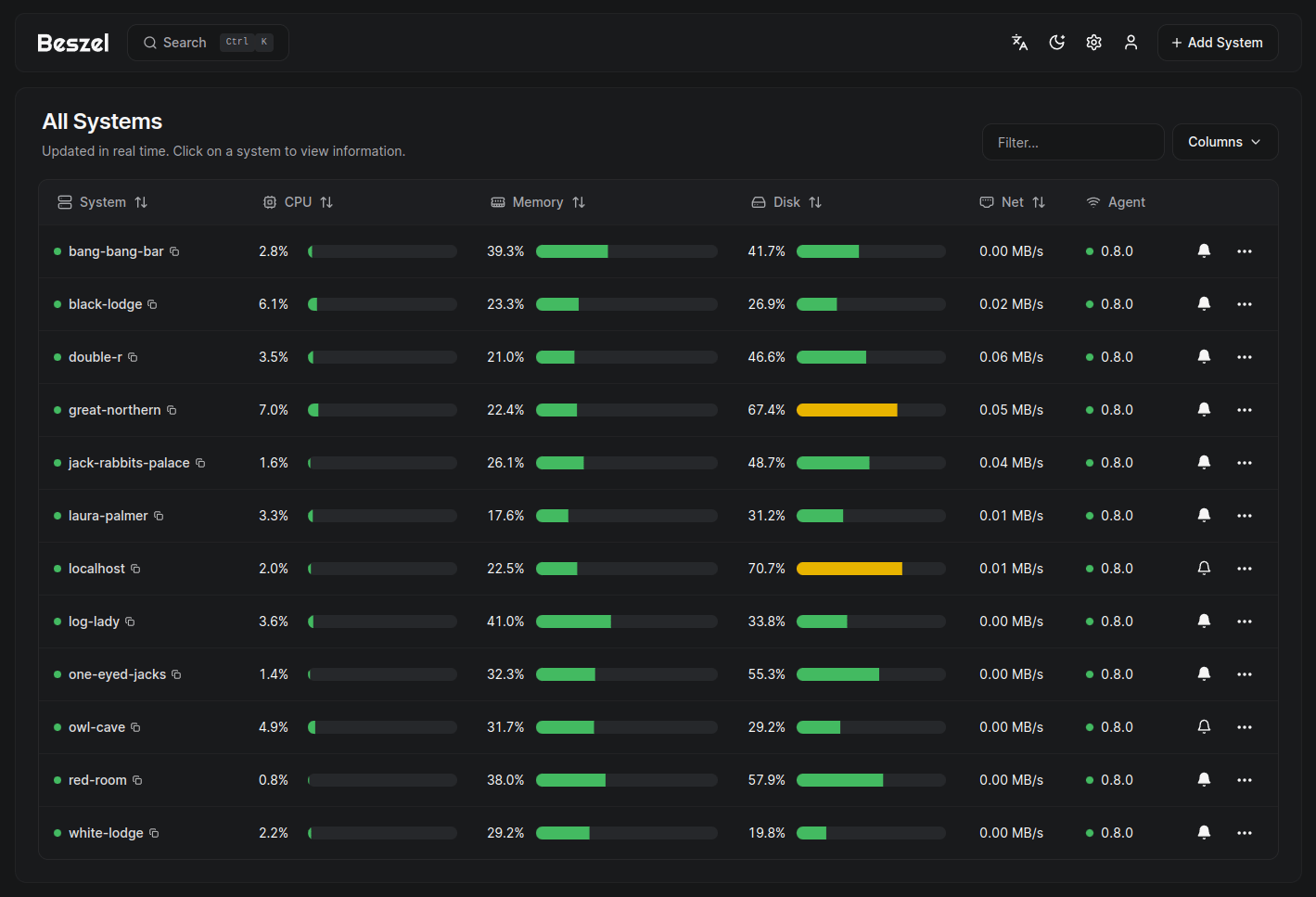
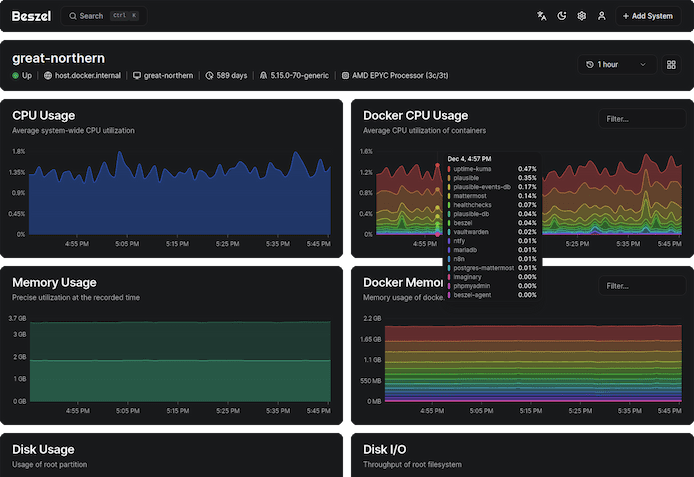
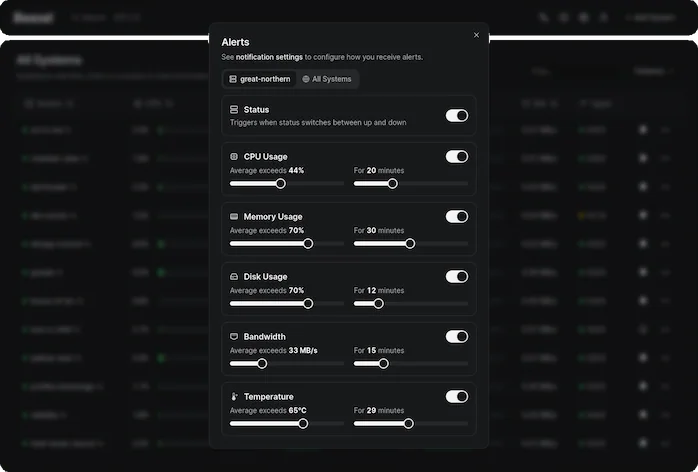
Lightweight server monitoring hub with historical data, container stats, and alerts.
| Port | 8090 |
| Registry | ghcr.io/daemonless/beszel |
| Daemonless | daemonless/beszel |
| Source | henrygd/beszel |
| Website | beszel.dev |
First start and data
Open http://<host>:8090 to create the initial admin account. Persistent
PocketBase SQLite data, the generated SSH key (id_ed25519), and backups
live in /config/beszel_data.
Connecting FreeBSD hosts
Install beszel-agent natively on each FreeBSD host
(beszel-agent_freebsd_amd64.tar.gz or beszel-agent_freebsd_arm64.tar.gz
from upstream releases) so the agent has direct access to host CPU, ZFS,
disk, temperature, and container metrics, then add the system in the hub
UI.
CLI subcommands
Run Beszel/PocketBase CLI commands as bsd in /config, for example:
Prerequisites
Before deploying, ensure your host environment is ready. See the Quick Start Guide for host setup instructions, including the security model for host vs. container privileges.
Deployment
Customize Paths, UID & Ports
Install and manage Beszel on FreeBSD with fjord:
Or open the App Store in the fjord web UI and install Beszel from the wizard. New to fjord? See the Install Guide.
Save as compose.yaml, then run podman-compose up -d.
Warning
Exposing ports in AppJail means that your service can be reached from remote hosts. If that is not your intention, do not expose the ports and communicate with the service using the jail's IPv4 address or hostname assigned by the virtual network.
Save the files above, then run appjail-director up.
Experimental
Bastille's OCI support is experimental. It requires buildah and shares the host network stack (inherit). Mount volumes with --volume HOST JAIL; without it, image-declared volumes are stored under ${bastille_volumesdir}/${jail}.
Save as bastille-compose.yml, then run bastille up.
Open http://<server>:8090 from another machine (the server's own browser can't use a published port).
Parameters
Environment Variables
| Variable | Default | Description |
|---|---|---|
PUID |
1000 |
User ID for the application process |
PGID |
1000 |
Group ID for the application process |
TZ |
UTC |
Timezone for the container |
APP_URL |
`` | Public URL of the hub (used in alert/email links and subpath routing) |
DISABLE_PASSWORD_AUTH |
<DISABLE_PASSWORD_AUTH> |
Disable password login (for OAuth2/OIDC-only setups) |
USER_CREATION |
`` | Allow creating additional user accounts via OAuth2/OIDC |
SHARE_ALL_SYSTEMS |
`` | Share all monitored systems across all users |
AGENT_LISTEN |
`` | Optional separate address/port (for example :45876) for agent-only WebSocket connections |
CHECK_UPDATES |
`` | Check GitHub for newer Beszel releases (defaults to false) |
CSP |
`` | Optional Content-Security-Policy response header value |
HEARTBEAT_URL |
`` | External URL to ping periodically for hub heartbeat monitoring |
AUTO_LOGIN |
`` | Email address of a user to automatically sign in |
Volumes
| Path | Description |
|---|---|
/config |
Persistent Beszel/PocketBase database, SSH key, and backups (/config/beszel_data) |
Ports
| Port | Protocol | Description |
|---|---|---|
8090 |
TCP | Web UI and agent WebSocket API |
Version Tags
| Tag | Description | Best For |
|---|---|---|
latest |
Upstream Binary. Built from official release. | Most users — recommended. |
Implementation Details
- Architectures: amd64
- User:
bsd(UID/GID set via PUID/PGID). Defaults to1000:1000. - Base: Built on
ghcr.io/daemonless/base(FreeBSD 15.1).
Need help? Join our Discord community.