 LibreNMS
| Description / name | Input element |
|---|---|
| Container Registry | |
| Container Configuration Root Path | |
| Timezone | |
| User ID | |
| Group ID | |
| LibreNMS Host Port |


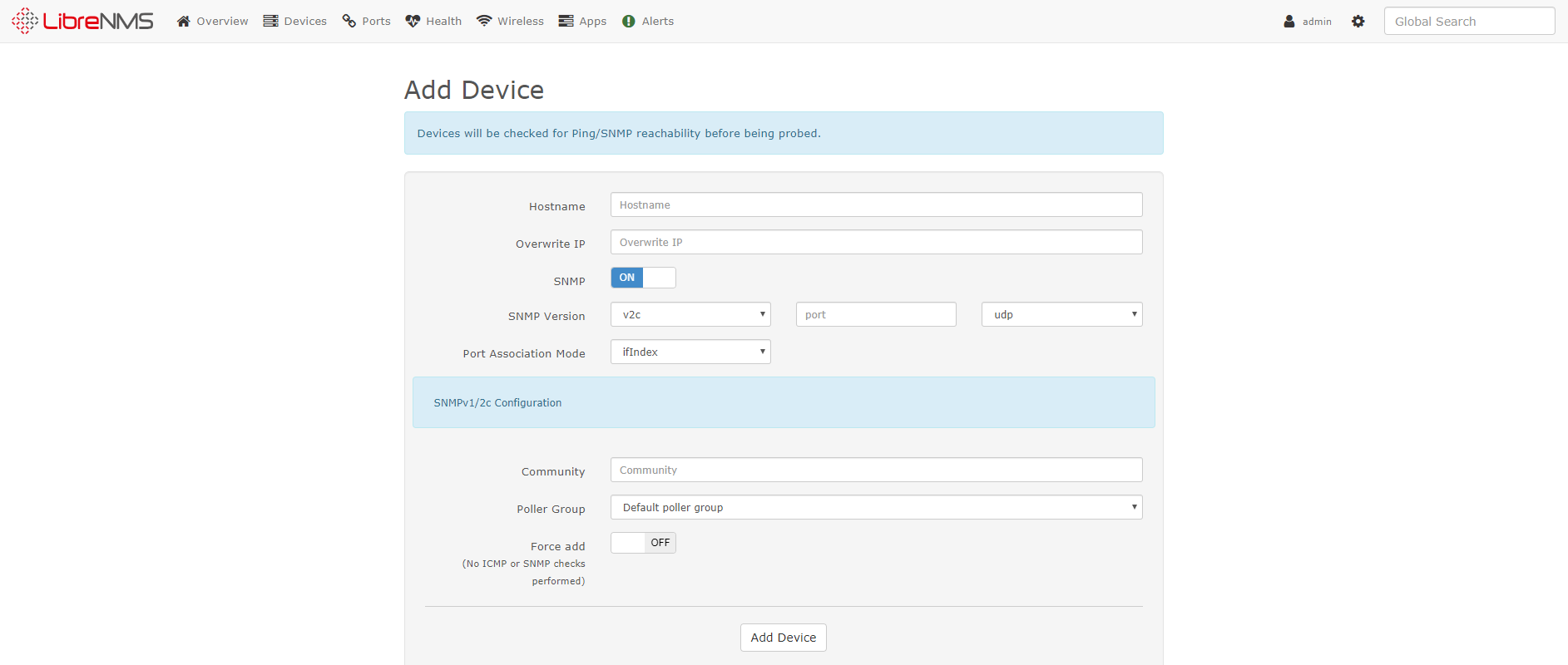
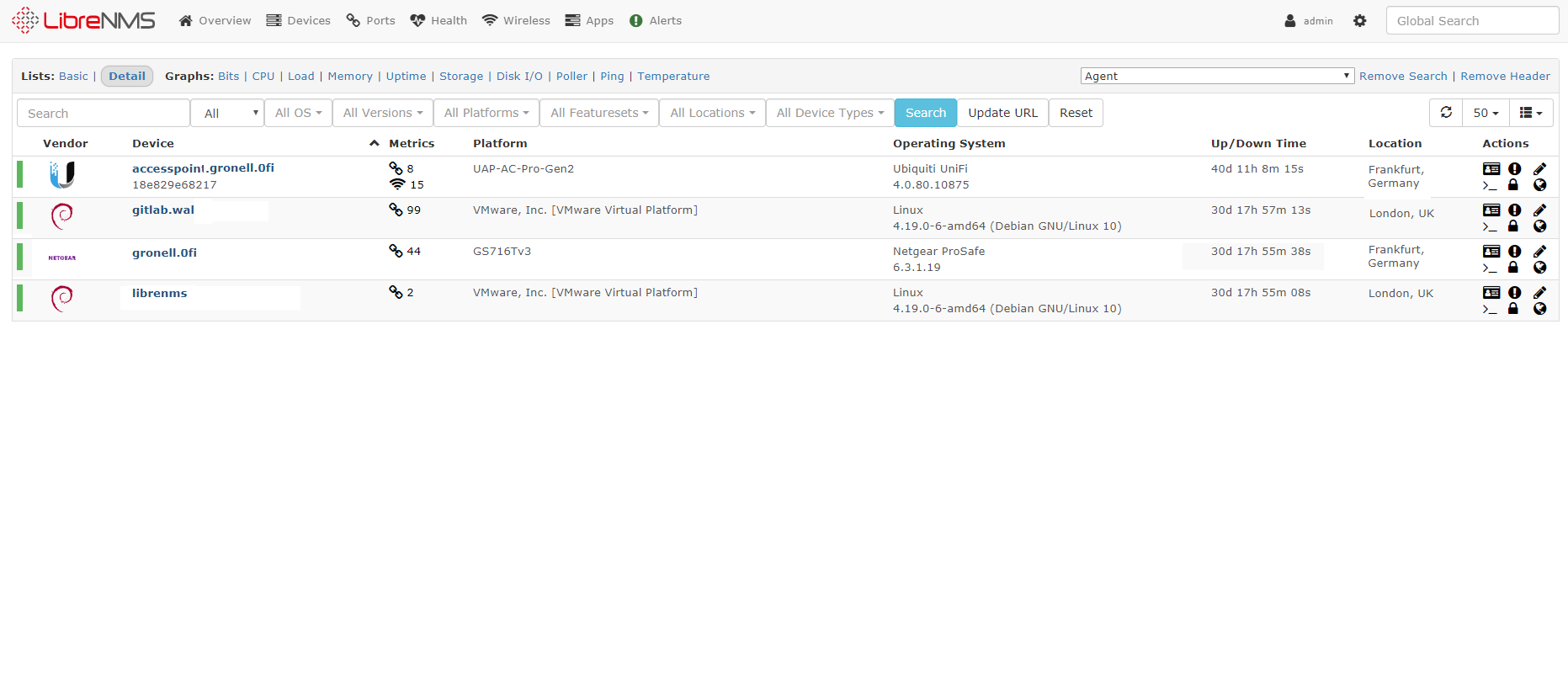
LibreNMS is an autodiscovering PHP/MySQL/SNMP based network monitoring which includes support for a wide range of network hardware and operating systems including Cisco, Linux, FreeBSD, Juniper, Brocade, Foundry, HP and many more.
| Port | 8080 |
| Registry | ghcr.io/daemonless/librenms |
| Daemonless | daemonless/librenms |
| Source | www.librenms.org |
| Website | www.librenms.org |
Version Tags
| Tag | Description | Best For |
|---|---|---|
latest / pkg |
FreeBSD Quarterly. Uses stable, tested packages. | Production stability. |
pkg-latest |
FreeBSD Latest. Rolling package updates. | Staying current. |
Before deploying, ensure your host environment is ready. See the Quick Start Guide for host setup instructions, including the security model for host vs. container privileges.
Deployment
1. Save as .env and fill in what is empty:
2. Save as compose.yaml:
Then run podman-compose up -d.
Access at: http://localhost:8080
Interactive Configuration
Parameters
Environment Variables
| Variable | Default | Description |
|---|---|---|
PUID |
1000 |
User ID for the application process |
PGID |
1000 |
Group ID for the application process |
TZ |
UTC |
Timezone for the container |
DB_HOST |
127.0.0.1 |
Where LibreNMS finds MariaDB (fjord sets this; 127.0.0.1 on host networking) |
DB_PORT |
3306 |
MariaDB port |
DB_DATABASE |
librenms |
Database name |
DB_USERNAME |
librenms |
Database user |
DB_PASSWORD |
<DB_PASSWORD> |
Password for the librenms database user |
ADMIN_USER |
admin |
LibreNMS admin account, created on first start |
ADMIN_PASSWORD |
<ADMIN_PASSWORD> |
Password for that admin account |
APP_URL |
`` | Address you open LibreNMS at, e.g. http://192.168.1.10:8080 (used in links it sends) |
MYSQL_ROOT_PASSWORD |
<MYSQL_ROOT_PASSWORD> |
MariaDB root password (the database password unless set) |
CONFIG_LOCATION |
/containers/librenms/config |
Host folder for LibreNMS data: settings, RRD files, logs |
DB_DATA_LOCATION |
/containers/librenms/mariadb |
Host folder for the MariaDB data |
Volumes
| Path | Description |
|---|---|
/config |
Persistent data: .env, RRD files, logs, storage |
Ports
| Port | Protocol | Description |
|---|---|---|
8080 |
TCP | Web UI |
Networking: both services ship on network_mode: host, and LibreNMS
reaches MariaDB at 127.0.0.1. MariaDB then listens on the host's port 3306,
so set strong passwords. Installed through fjord onto a network, the
database moves to the stack's own private network instead and is found by
name (DB_HOST).
First login
Set ADMIN_USER and ADMIN_PASSWORD and the admin account is created on
first start. LibreNMS refuses passwords that appear in known data leaks; if
that happens the container log says so -- pick another and restart.
Implementation Details
- Architectures: amd64
- User:
bsd(UID/GID set via PUID/PGID). Defaults to1000:1000. - Base: Built on
ghcr.io/daemonless/base(FreeBSD 15.1).
Need help? Join our Discord community.