 Superset
| Description / name | Input element |
|---|---|
| Container Registry | |
| Container Configuration Root Path | |
| Timezone | |
| User ID | |
| Group ID | |
| Superset Host Port | |
| Superset /config Path |


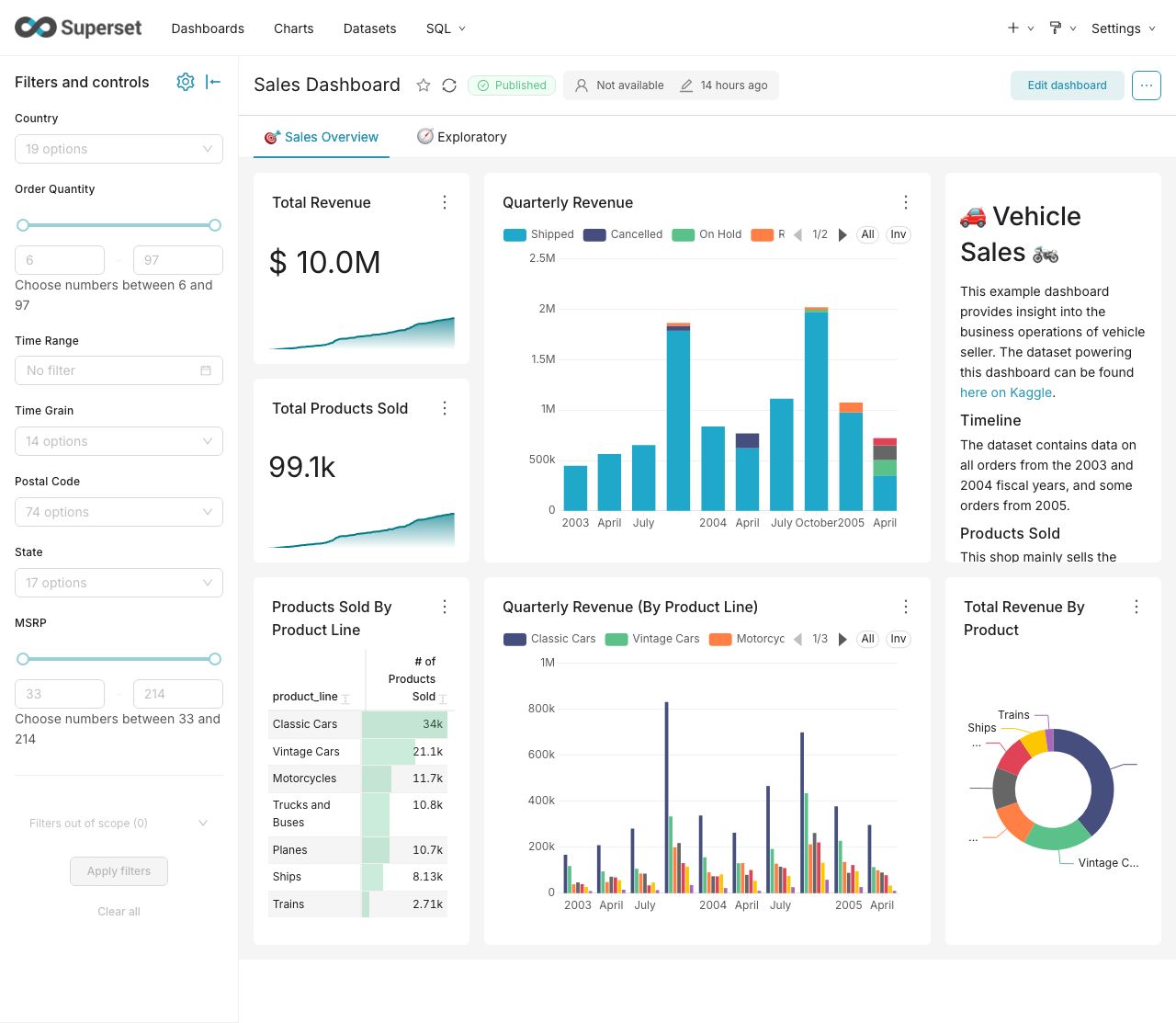
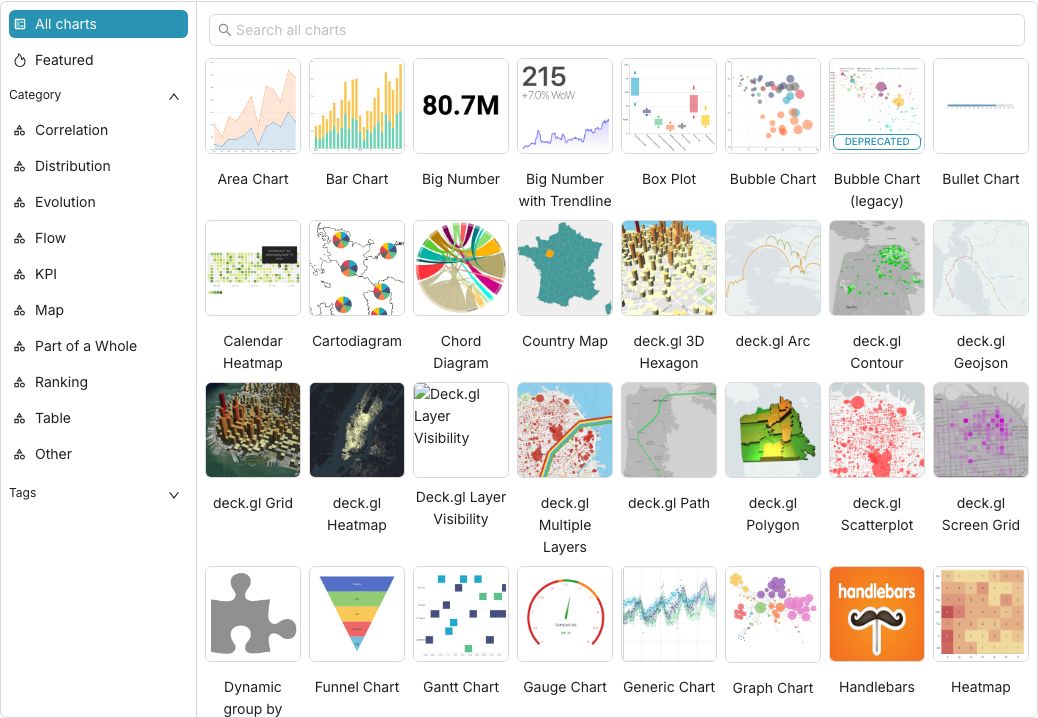
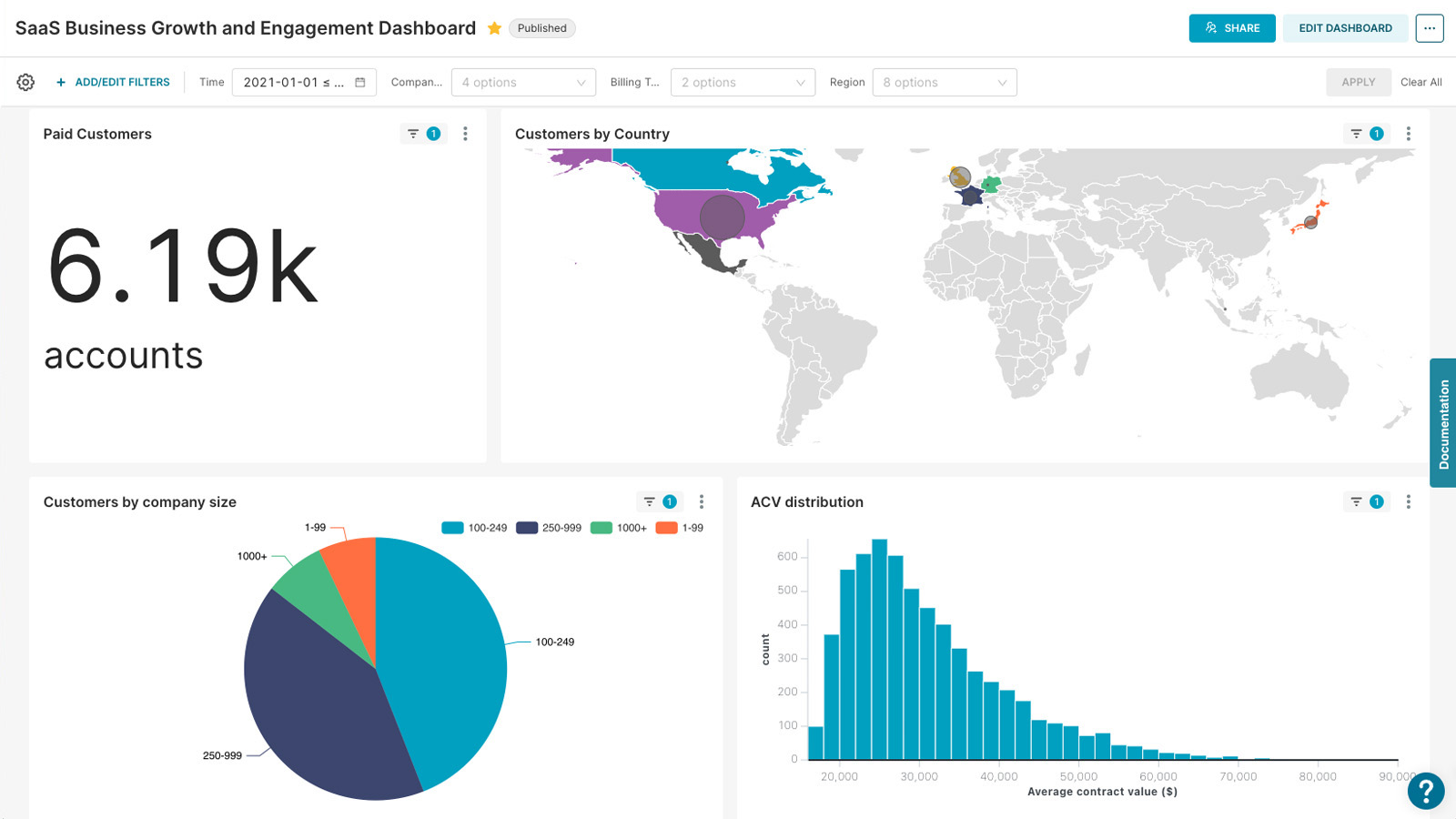
Modern data exploration and visualization platform — build charts, dashboards, and SQL-driven analytics on top of your databases.
| Port | 8088 |
| Registry | ghcr.io/daemonless/superset |
| Daemonless | daemonless/superset |
| Source | apache/superset |
| Website | superset.apache.org |
Version Tags
| Tag | Description | Best For |
|---|---|---|
latest |
Upstream Binary. Built from official release. | Most users — recommended. |
Before deploying, ensure your host environment is ready. See the Quick Start Guide for host setup instructions, including the security model for host vs. container privileges.
Deployment
Save as compose.yaml, then run podman-compose up -d.
Warning
Exposing ports in AppJail means that your service can be reached from remote hosts. If that is not your intention, do not expose the ports and communicate with the service using the jail's IPv4 address or hostname assigned by the virtual network.
Save the files above, then run appjail-director up.
Experimental
Bastille's OCI support is experimental. It requires buildah and shares the host network stack (inherit). Mount volumes with --volume HOST JAIL; without it, image-declared volumes are stored under ${bastille_volumesdir}/${jail}.
Save as bastille-compose.yml, then run bastille up.
Access at: http://localhost:8088
Interactive Configuration
Parameters
Environment Variables
| Variable | Default | Description |
|---|---|---|
PUID |
1000 |
User ID for the application process |
PGID |
1000 |
Group ID for the application process |
TZ |
UTC |
Timezone for the container |
SUPERSET_SECRET_KEY |
<SUPERSET_SECRET_KEY> |
Flask SECRET_KEY; auto-generated and persisted to /config/.secret_key when unset |
SUPERSET_ADMIN_USERNAME |
`` | Admin username to ensure on startup (default: admin) |
SUPERSET_ADMIN_PASSWORD |
<SUPERSET_ADMIN_PASSWORD> |
When set, creates/ensures the admin user on startup |
SUPERSET_ADMIN_EMAIL |
`` | Admin email (default: admin@example.com) |
SUPERSET_WORKERS |
`` | Gunicorn worker count (default: 2) |
DATABASE_URL |
`` | Metadata database URI (default: sqlite:////config/superset.db) |
REDIS_URL |
`` | Redis URL for caching |
Volumes
| Path | Description |
|---|---|
/config |
Superset home: metadata DB, secret key, uploads |
Ports
| Port | Protocol | Description |
|---|---|---|
8088 |
TCP | Web UI |
Redis caching
Set REDIS_URL to enable Redis-backed caching, e.g. with
daemonless/redis on the same host
(network_mode: host — inter-container DNS is not available on
FreeBSD podman):
CSV / file uploads
Uploads require a database connection with Allow file uploads to
database enabled (edit the database → Advanced → Security). To use a
local SQLite playground database as the upload target, start the
container with SUPERSET_ALLOW_SQLITE=true.
Implementation Details
- Architectures: amd64
- User:
bsd(UID/GID set via PUID/PGID). Defaults to1000:1000. - Base: Built on
ghcr.io/daemonless/base(FreeBSD 15.1).
Need help? Join our Discord community.