 RustFS
| Description / name | Input element |
|---|---|
| Container Registry | |
| Container Configuration Root Path | |
| Timezone | |
| User ID | |
| Group ID | |
| RustFS Host Port | |
| RustFS /config Path | |
| RustFS /data Path |


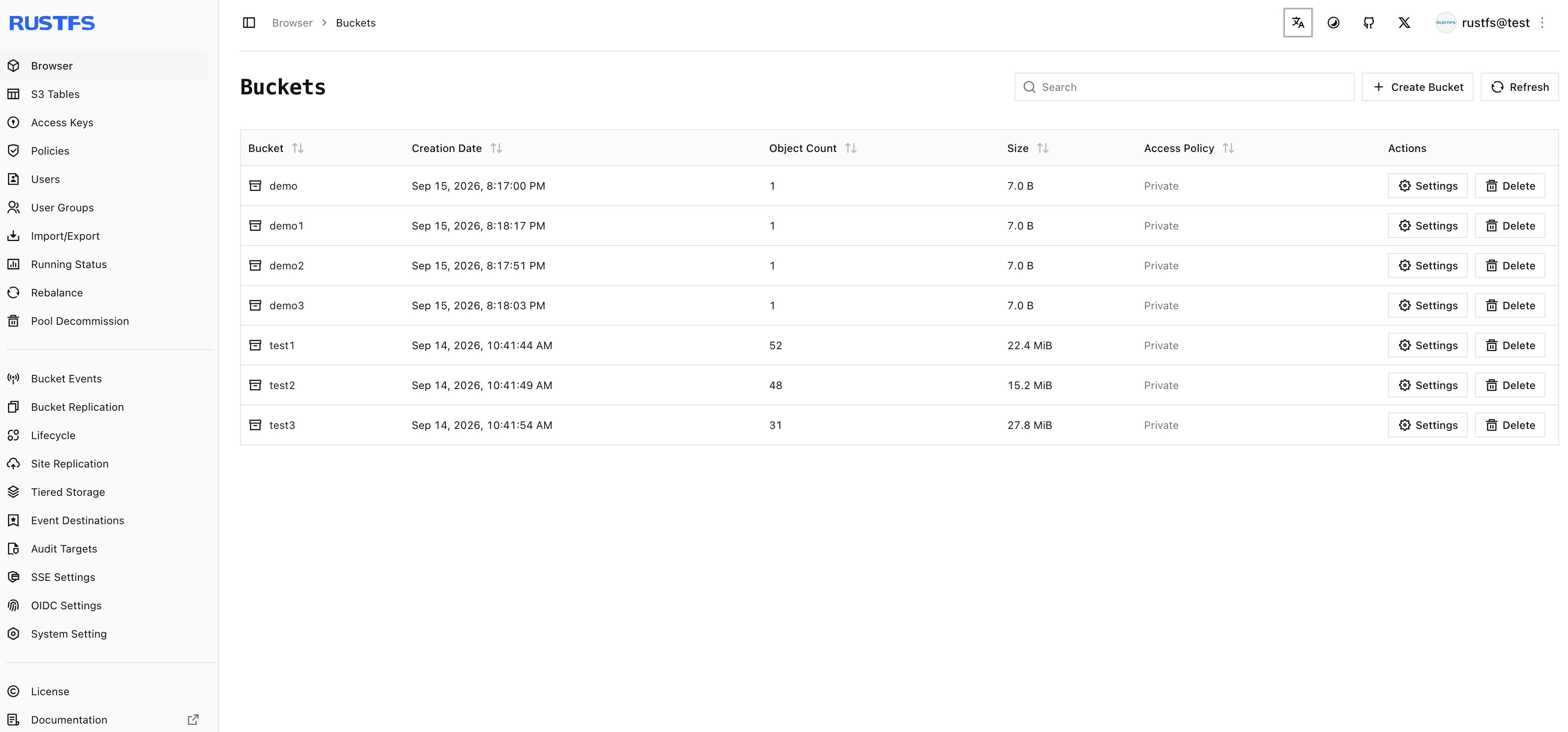
High-performance, distributed S3-compatible object storage system written in Rust with an integrated web management console.
| Port | 9001 |
| Registry | ghcr.io/daemonless/rustfs |
| Daemonless | daemonless/rustfs |
| Source | rustfs/rustfs |
| Website | rustfs.com |
Version Tags
Multi-arch manifests — resolve automatically to the right image for your platform.
| Tag | Description | Best For |
|---|---|---|
latest |
Built from latest upstream source release. | Most users — recommended. |
| Tag | Description | Best For |
|---|---|---|
latest-amd64 |
Built from latest upstream source release. | Most users — recommended. |
| Tag | Description | Best For |
|---|---|---|
latest-aarch64 |
Built from latest upstream source release. | Most users — recommended. |
Before deploying, ensure your host environment is ready. See the Quick Start Guide for host setup instructions, including the security model for host vs. container privileges.
Deployment
Save as compose.yaml, then run podman-compose up -d.
Warning
Exposing ports in AppJail means that your service can be reached from remote hosts. If that is not your intention, do not expose the ports and communicate with the service using the jail's IPv4 address or hostname assigned by the virtual network.
Save the files above, then run appjail-director up.
Experimental
Bastille's OCI support is experimental. It requires buildah and shares the host network stack (inherit). Mount volumes with --volume HOST JAIL; without it, image-declared volumes are stored under ${bastille_volumesdir}/${jail}.
Save as bastille-compose.yml, then run bastille up.
Open http://<server>:9001 from another machine (the server's own browser can't use a published port).
Interactive Configuration
Parameters
Environment Variables
| Variable | Default | Description |
|---|---|---|
PUID |
1000 |
User ID for the application process |
PGID |
1000 |
Group ID for the application process |
TZ |
UTC |
Timezone for the container |
RUSTFS_ACCESS_KEY |
${RUSTFS_ACCESS_KEY:-admin} |
Root S3 access key and Web Console sign-in username |
RUSTFS_SECRET_KEY |
${RUSTFS_SECRET_KEY} |
Root S3 secret key and Web Console password (generated into /config/secrets.env if unset) |
RUSTFS_SERVER_DOMAINS |
`` | Comma-separated domain names for virtual-hosted-style S3 requests, e.g. s3.example.com |
RUSTFS_REGION |
`` | S3 region reported to clients |
RUSTFS_VOLUMES |
`` | Space-separated data directories or distributed cluster endpoints |
RUSTFS_ARGS |
`` | Additional command-line arguments passed to rustfs server |
Volumes
| Path | Description |
|---|---|
/config |
Persisted root credentials (/config/secrets.env) and configuration |
/data |
Object storage data directory |
Ports
| Port | Protocol | Description |
|---|---|---|
9001 |
TCP | Web Console |
9000 |
TCP | S3 API |
Credentials and Web Console
Open the Web Console on port 9001 (http://<your-host>:9001).
If RUSTFS_SECRET_KEY is not set at first boot, the launcher generates a
random root secret key and saves it in /config/secrets.env (mode 0600)
so the container never runs with upstream's public rustfsadmin default.
Read /config/secrets.env inside the container or host volume to view the
generated credentials, or set RUSTFS_ACCESS_KEY and RUSTFS_SECRET_KEY
explicitly before first start.
S3 API clients
Point S3 clients at port 9000 (http://<your-host>:9000). Without
RUSTFS_SERVER_DOMAINS, configure clients for path-style addressing
(force_path_style = true / --endpoint-url). Set RUSTFS_SERVER_DOMAINS
when routing virtual-hosted bucket subdomains (<bucket>.s3.example.com)
through a reverse proxy.
FreeBSD notes
Both listeners default to 0.0.0.0 (0.0.0.0:9000 and 0.0.0.0:9001)
rather than :9000 / [::]:9000 because FreeBSD sets
net.inet6.ip6.v6only=1 by default.
Implementation Details
- Architectures: amd64, aarch64
- User:
bsd(UID/GID set via PUID/PGID). Defaults to1000:1000. - Base: Built on
ghcr.io/daemonless/base(FreeBSD 15.1).
Need help? Join our Discord community.