 Outline


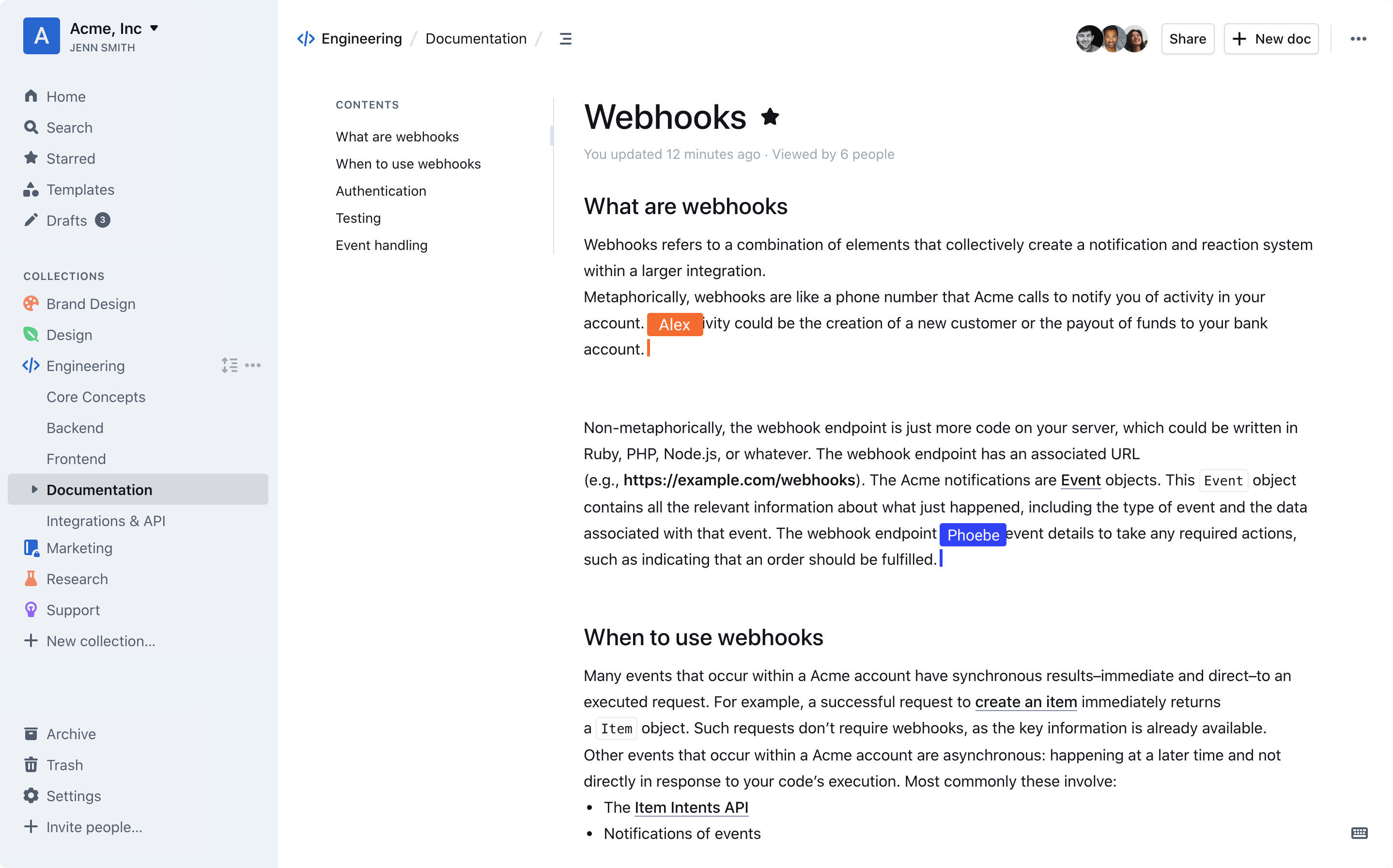
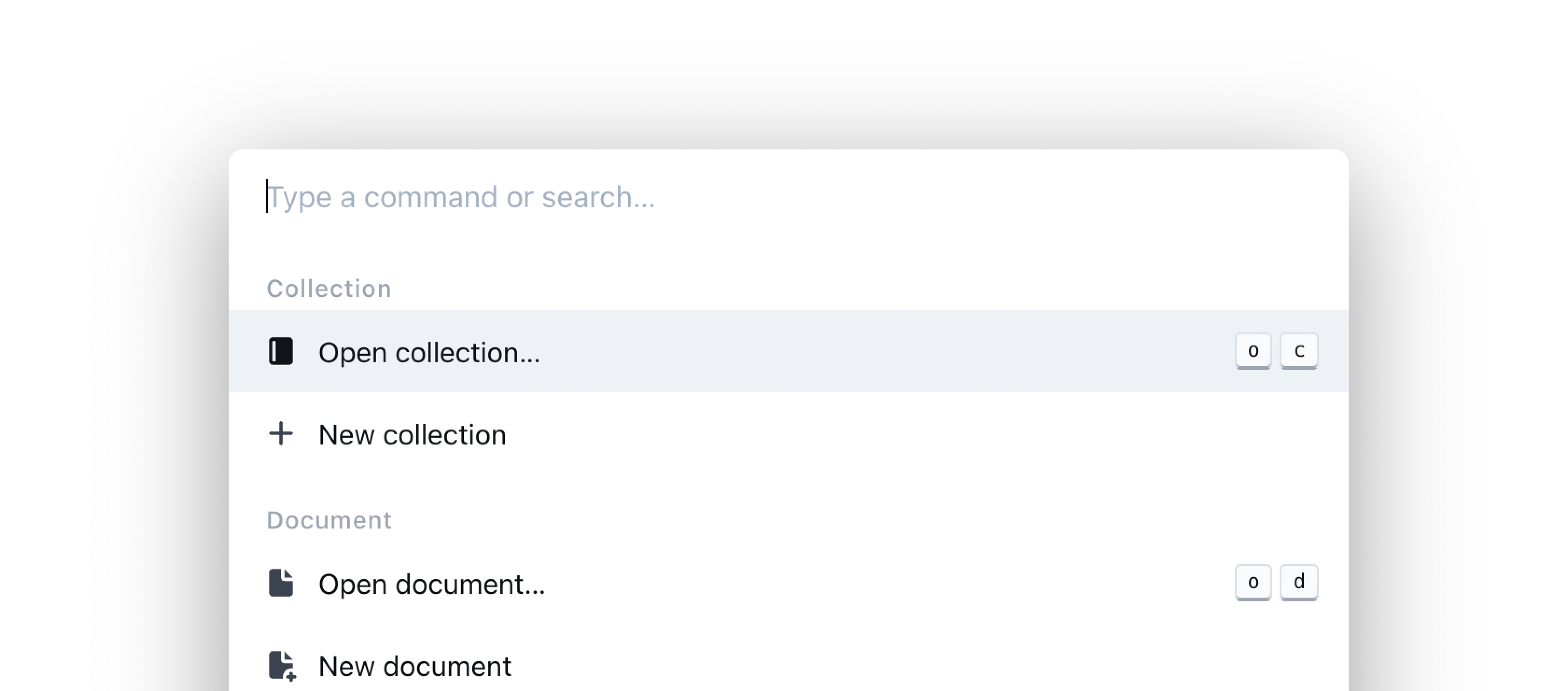
A fast, collaborative knowledge base for your team, with rich-text documents, nested collections and full-text search.
| Port | ${WEB_HOST_PORT:-3000} |
| Registry | ghcr.io/daemonless/outline |
| Daemonless | daemonless/outline |
| Source | outline/outline |
| Website | www.getoutline.com |
Prerequisites
Before deploying, ensure your host environment is ready. See the Quick Start Guide for host setup instructions, including the security model for host vs. container privileges.
Deployment
Customize Paths, UID & Ports
Install and manage Outline on FreeBSD with fjord:
Or open the App Store in the fjord web UI and install Outline from the wizard. New to fjord? See the Install Guide.
1. Save as .env and fill in what is empty:
2. Save as compose.yaml:
Then run podman-compose up -d.
Open http://<server>:${WEB_HOST_PORT:-3000} from another machine (the server's own browser can't use a published port).
Parts
| Service | Image | Role | |
|---|---|---|---|
| outline | ghcr.io/daemonless/outline:latest |
Collaborative knowledge base web UI and API | docs |
| postgres | ghcr.io/daemonless/postgres:18 |
PostgreSQL database for documents, collections and users | docs |
| redis | ghcr.io/daemonless/redis:latest |
Redis cache and pub/sub broker for real-time collaboration | docs |
Setup Instructions
The first visit asks for a workspace name and an admin account, and signs you in. To sign in again later, Outline needs a way to prove who you are, because it has no passwords: set up SMTP_* for sign-in links by email, or OIDC_* for single sign-on. Other providers are in the authentication docs. Do this before you sign out.
URL must match what the browser uses. Behind a reverse proxy with TLS, set URL to the https address and keep FORCE_HTTPS=false, because the proxy handles the redirect.
Uploads are stored under /config/data. S3 storage does not work on FreeBSD: its AWS library needs a native binding that has no FreeBSD build.
SECRET_KEY and UTILS_SECRET are generated into /config/secrets.env on first start. Keep /config: a new SECRET_KEY signs everyone out and makes encrypted fields unreadable.
Outline uses the Business Source License 1.1, which is not an open source license. You can run it for your own team, but not as a commercial document service for others.
Parameters
Environment Variables
| Variable | Default | Description |
|---|---|---|
PUID |
1000 |
User ID for the application process |
PGID |
1000 |
Group ID for the application process |
TZ |
UTC |
Timezone for the container |
URL |
http://localhost:3000 |
Public URL of this instance, as the browser reaches it. Outline builds links from it |
PORT |
3000 |
Port Outline listens on inside the container |
SECRET_KEY |
<SECRET_KEY> |
64 hex characters (openssl rand -hex 32). Generated into /config/secrets.env if unset |
UTILS_SECRET |
<UTILS_SECRET> |
A second, different secret. Generated with SECRET_KEY if unset |
DATABASE_URL |
postgres://outline:${POSTGRES_PASSWORD}@${POSTGRES_HOSTNAME:-postgres}:5432/outline |
PostgreSQL connection string. The compose builds it from POSTGRES_PASSWORD |
PGSSLMODE |
disable |
Set to disable for a PostgreSQL without TLS, as in this stack |
REDIS_URL |
redis://${REDIS_HOSTNAME:-redis}:6379 |
Redis connection string |
FORCE_HTTPS |
false |
Redirect every request to https. Keep false unless URL is https |
SMTP_HOST |
`` | Mail server. Outline has no passwords: without this or single sign-on, nobody can sign back in |
SMTP_PORT |
`` | Mail server port |
SMTP_USERNAME |
`` | Mail server username |
SMTP_PASSWORD |
<SMTP_PASSWORD> |
Mail server password |
SMTP_FROM_EMAIL |
`` | Address mail is sent from |
SMTP_SECURE |
true |
Connect to the mail server over TLS |
OIDC_CLIENT_ID |
`` | Single sign-on client ID |
OIDC_CLIENT_SECRET |
<OIDC_CLIENT_SECRET> |
Single sign-on client secret |
OIDC_ISSUER_URL |
`` | Single sign-on issuer URL |
OIDC_DISPLAY_NAME |
OpenID Connect |
Name on the single sign-on button |
CONFIG_LOCATION |
/containers/outline/config |
Host folder for secrets and uploaded files |
POSTGRES_DATA_LOCATION |
/containers/outline/postgres |
Host folder for the database |
REDIS_DATA_LOCATION |
/containers/outline/redis |
Host folder for the cache |
WEB_HOST_PORT |
3000 |
Host port for the web UI |
POSTGRES_PASSWORD |
<POSTGRES_PASSWORD> |
PostgreSQL password |
POSTGRES_HOSTNAME |
`` | Where Outline finds PostgreSQL (fjord sets this; postgres on the default stack network) |
REDIS_HOSTNAME |
`` | Where Outline finds Redis (fjord sets this; redis on the default stack network) |
Volumes
| Path | Description |
|---|---|
/config |
Secrets, and uploaded files under /config/data |
Ports
| Port | Protocol | Description |
|---|---|---|
3000 |
TCP | Web UI |
Version Tags
| Tag | Description | Best For |
|---|---|---|
latest |
FreeBSD Port. Built from latest FreeBSD packages. | Most users — recommended. |
Implementation Details
- Architectures: amd64
- User:
bsd(UID/GID set via PUID/PGID). Defaults to1000:1000. - Base: Built on
ghcr.io/daemonless/base(FreeBSD 15).
Need help? Join our Discord community.