 PhotoCraft
| Description / name | Input element |
|---|---|
| Container Registry | |
| Timezone | |
| User ID | |
| Group ID | |
| PhotoCraft Host Port |


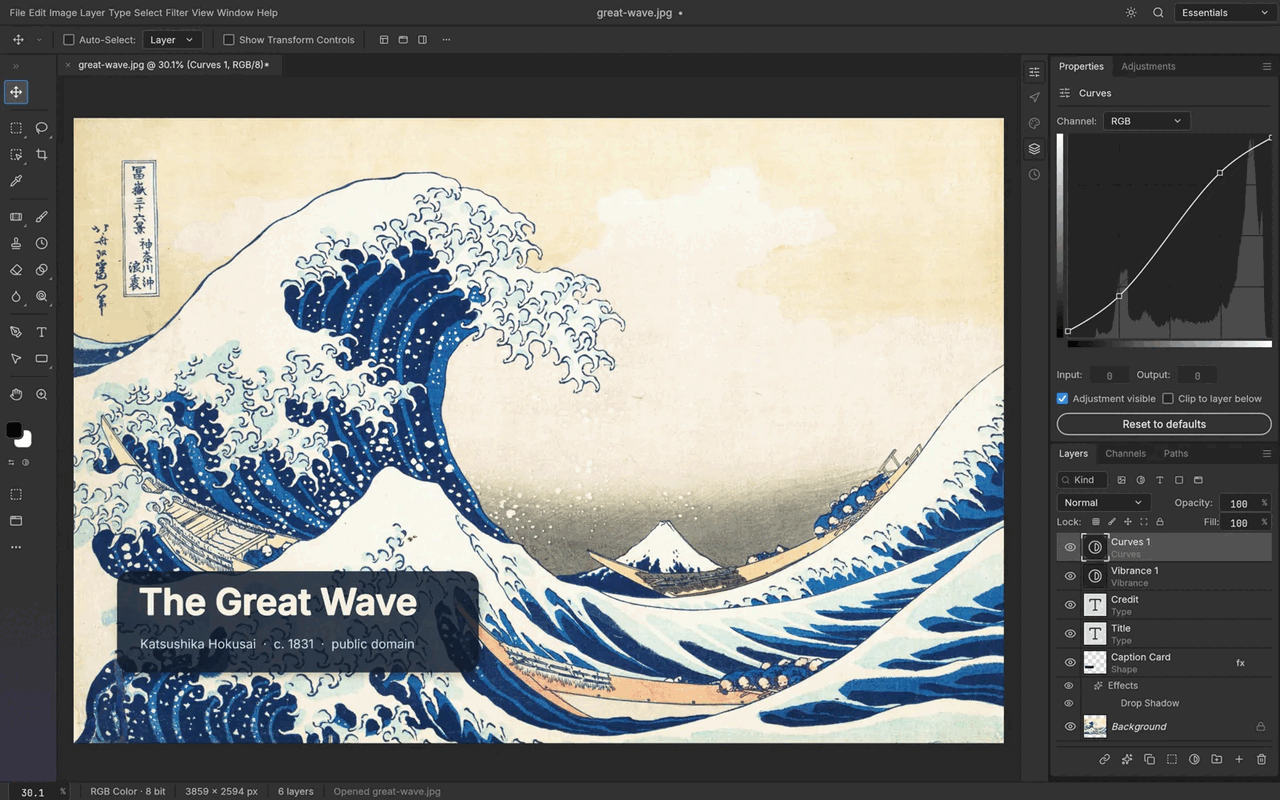
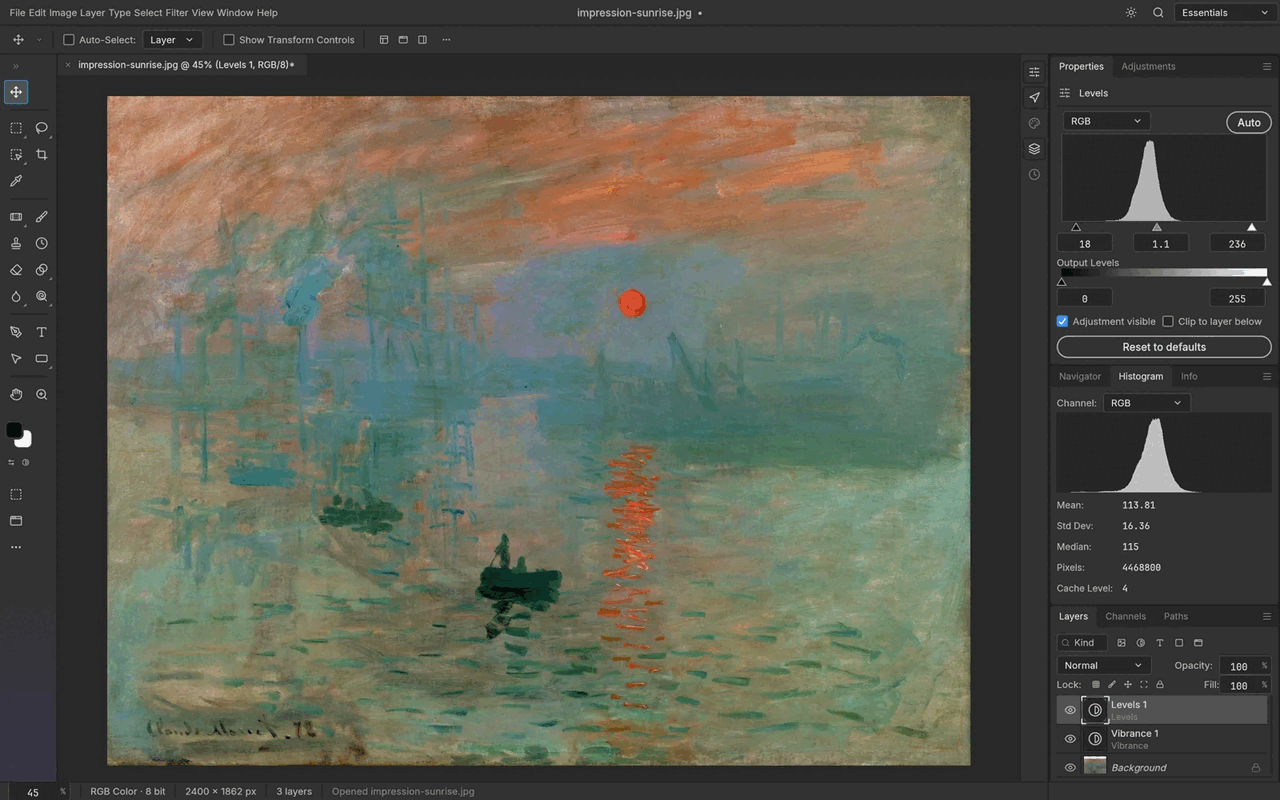
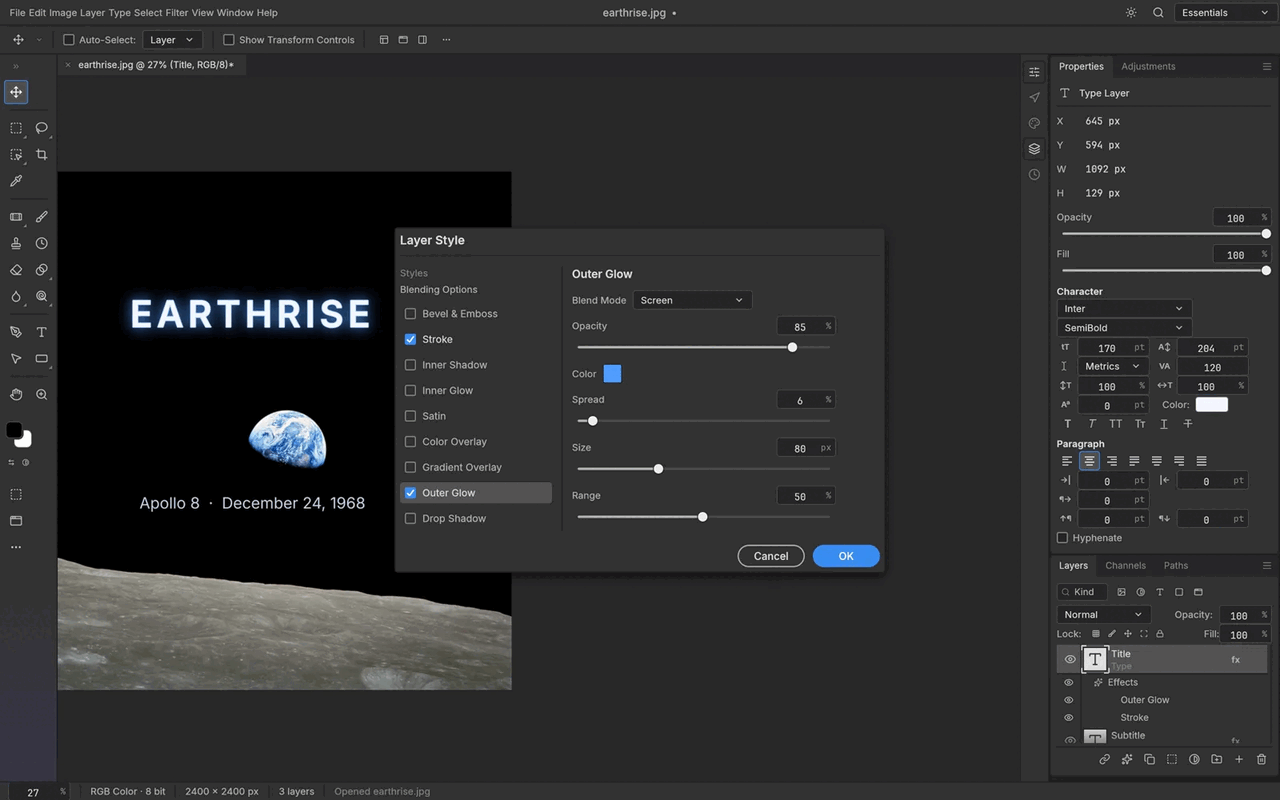
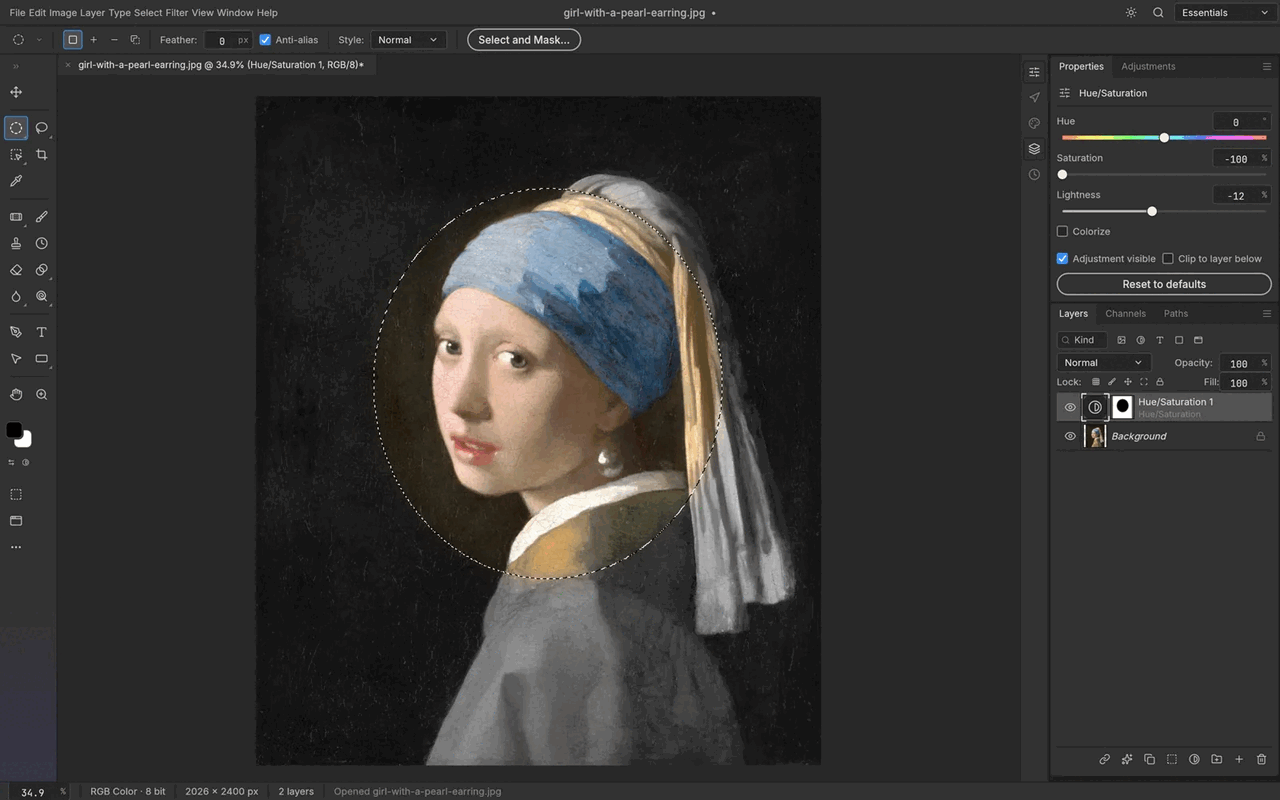
Open-source, clean-room reimplementation of Adobe Photoshop in Rust, served as a WebAssembly web app on FreeBSD.
| Port | 8080 |
| Registry | ghcr.io/daemonless/photocraft |
| Daemonless | daemonless/photocraft |
| Source | storytold/photocraft |
| Website | getartcraft.com/apps/photocraft |
Version Tags
Multi-arch manifests — resolve automatically to the right image for your platform.
| Tag | Description | Best For |
|---|---|---|
latest |
Upstream Binary. Built from official release. | Most users — recommended. |
| Tag | Description | Best For |
|---|---|---|
latest-amd64 |
Upstream Binary. Built from official release. | Most users — recommended. |
| Tag | Description | Best For |
|---|---|---|
latest-aarch64 |
Upstream Binary. Built from official release. | Most users — recommended. |
Before deploying, ensure your host environment is ready. See the Quick Start Guide for host setup instructions, including the security model for host vs. container privileges.
Deployment
Save as compose.yaml, then run podman-compose up -d.
Warning
Exposing ports in AppJail means that your service can be reached from remote hosts. If that is not your intention, do not expose the ports and communicate with the service using the jail's IPv4 address or hostname assigned by the virtual network.
Save the files above, then run appjail-director up.
Experimental
Bastille's OCI support is experimental. It requires buildah and shares the host network stack (inherit). Mount volumes with --volume HOST JAIL; without it, image-declared volumes are stored under ${bastille_volumesdir}/${jail}.
Save as bastille-compose.yml, then run bastille up.
Access at: http://localhost:8080
Setup Instructions
Everything runs in the browser. PhotoCraft is Rust compiled to WebAssembly; the container only serves static files. Files open through the browser's file picker and save as downloads, and nothing is stored server side, so there are no volumes.
Your work lives in the browser, not on the server. Preferences and any in-app library or cache belong to the browser profile that opened the app, per origin. Clearing site data, switching browsers, or reaching the app under a different hostname means starting empty. Export what you want to keep; the exported files are the backup, as with any desktop app.
Fonts. The browser build ships with only two fonts. PhotoCraft also lists the Japanese, Chinese and Arabic families from craft-fonts, which this image serves alongside the app; a family is downloaded the first time you pick it or open a document that uses it.
HTTPS. WebGPU and the clipboard need a secure context. Over plain HTTP the app falls back to WebGL2; put it behind your reverse proxy for the full experience.
Interactive Configuration
Parameters
Environment Variables
| Variable | Default | Description |
|---|---|---|
PUID |
1000 |
User ID for the nginx worker processes |
PGID |
1000 |
Group ID for the nginx worker processes |
TZ |
UTC |
Timezone for the container |
Ports
| Port | Protocol | Description |
|---|---|---|
80 |
TCP | Web UI (the editor runs in the browser; files open and save on the visitor's device) |
Implementation Details
- Architectures: amd64, aarch64
- User:
bsd(UID/GID set via PUID/PGID). Defaults to1000:1000. - Base: Built on
ghcr.io/daemonless/base(FreeBSD 15.1).
Need help? Join our Discord community.